
Images
Every format your camera, browser and apps produce.
- JPEG
- PNG
- HEIC
- WebP
- TIFF
- BMP
- GIF
- AVIF
Fileroom converts images, video, audio, PDFs, ebooks, data and archives on your device. Scan documents, keep everything in folders, and never upload a thing.
iPhone, iPad and Mac on the App Store · Android coming soon.
Want new features early? Join the TestFlight beta
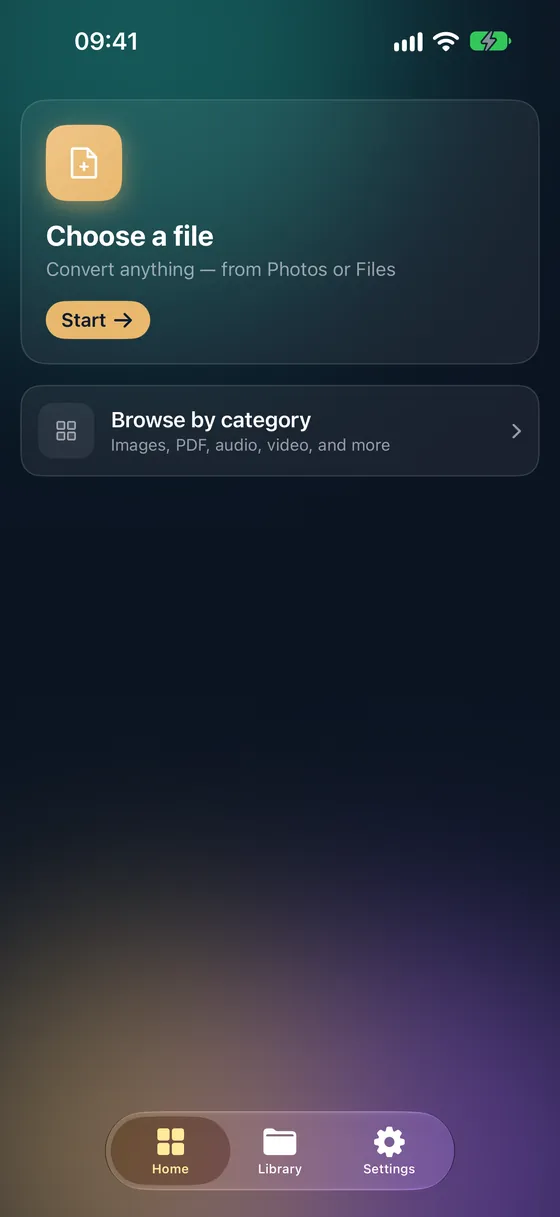
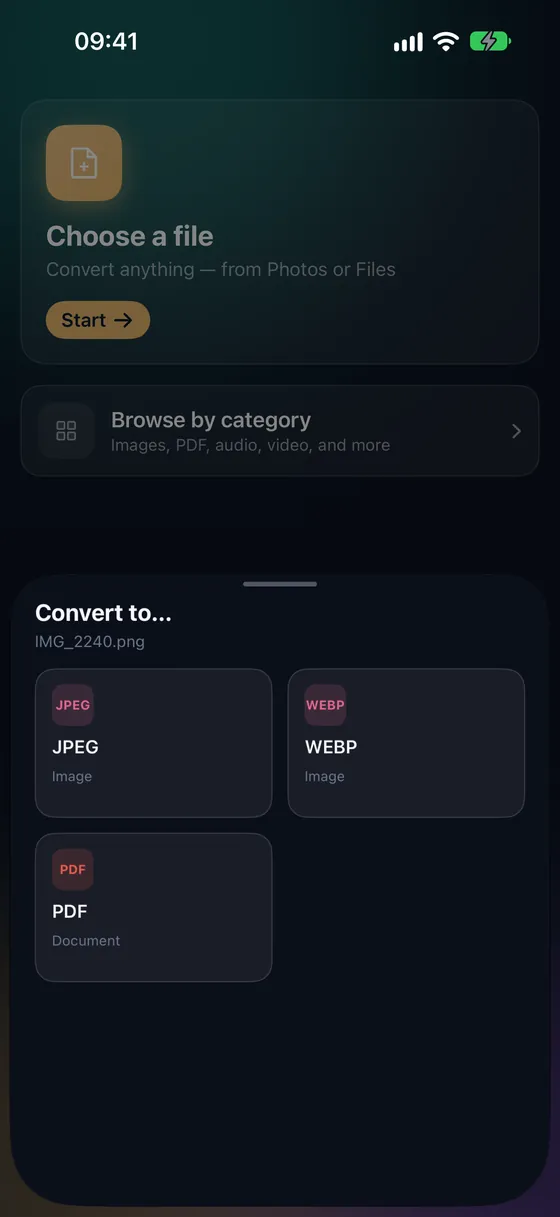
Pick a photo from your library or a file from anywhere, tap the format you need — done. Fileroom only shows formats that make sense for your file.
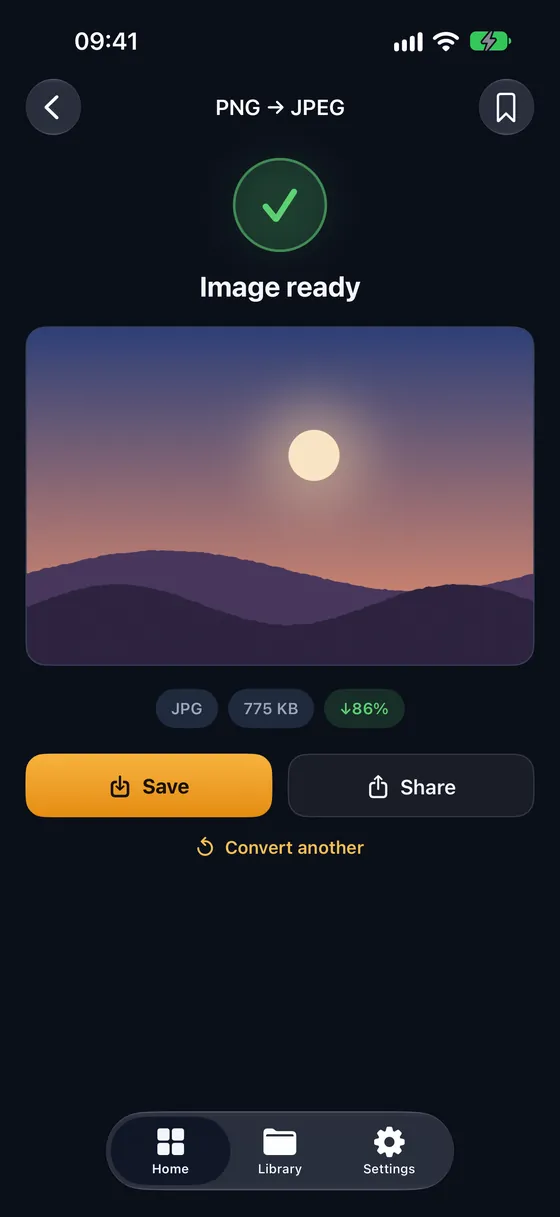
Conversions run on your device's own hardware. Nothing is uploaded, so there's no queue, no waiting and no copy of your file on someone else's server.
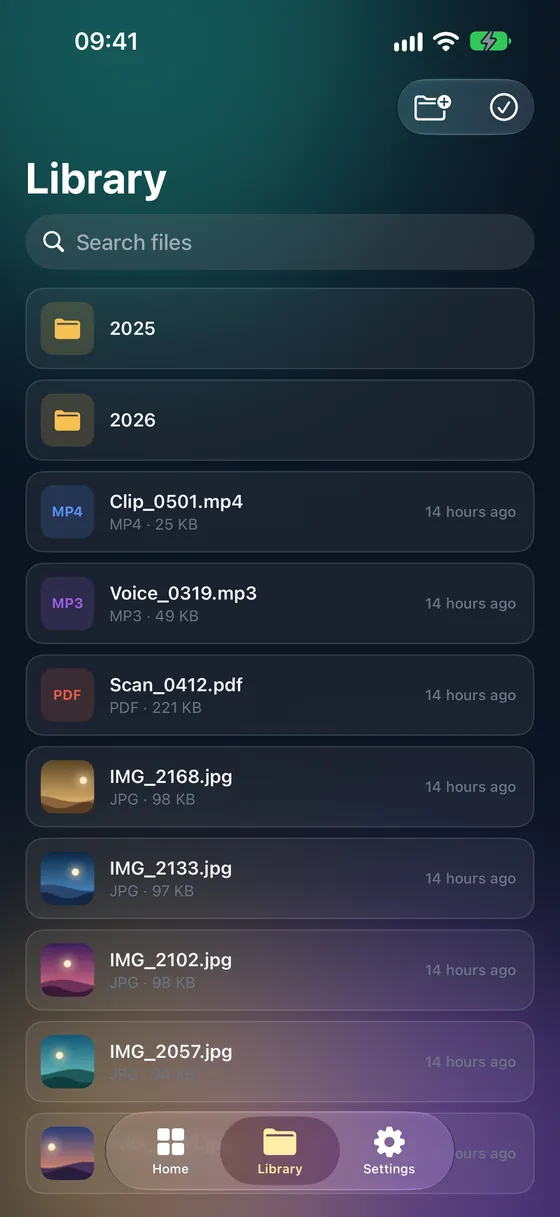
Everything you convert is saved to your library. Make folders, rename, move and share — and find it all in the Files app too.
Scan documents with the camera, merge, split, compress, protect and make scans searchable with OCR — all offline.
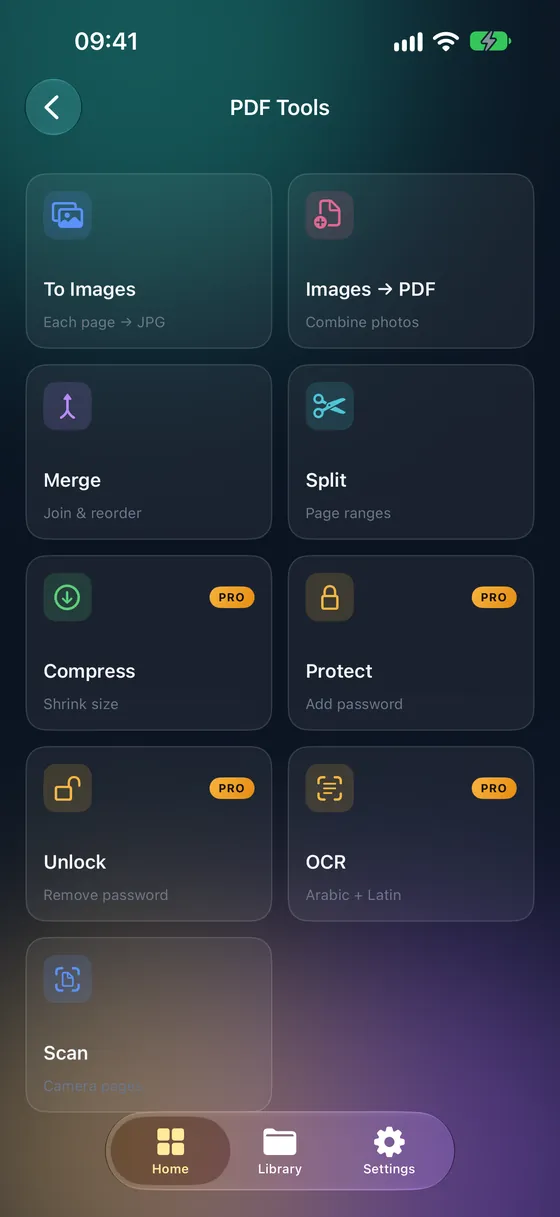
The codecs, containers and encodings your phone and apps produce every day — converted on-device, with hardware acceleration where the system offers it.
Every format your camera, browser and apps produce.
Nine codecs, from voice memos to lossless music.
Remux instantly when possible, hardware-encode when needed.
Scan, merge, split, compress, OCR and password-protect.
Open and create archives, including AES-256 encrypted ZIP.
Convert EPUB and FB2, and turn Markdown into HTML or PDF.
Lossless conversion between the everyday data formats.
Every conversion runs locally. There is no server that receives your files and no account to create. Anonymous analytics are strictly opt-in and can be turned off any time in Settings.
Every result is saved automatically. Organize with folders, rename, move and share — the same files show up in the Files app.
Pick from your photo library or from Files, iCloud Drive and other storage — wherever the file lives.
Send a file from any app's share sheet, convert it on the spot and find the result waiting in your library.
Save the conversions you repeat and run them from Home with a single tap.
Scan paper with the camera — edges and perspective are fixed for you — then make the PDF searchable, Arabic included.
Rotate, flip and crop before converting. Photo orientation is handled automatically.
A native Mac app with every converter and PDF tool — drag files onto the window, batch whole folders, or convert right from Finder.
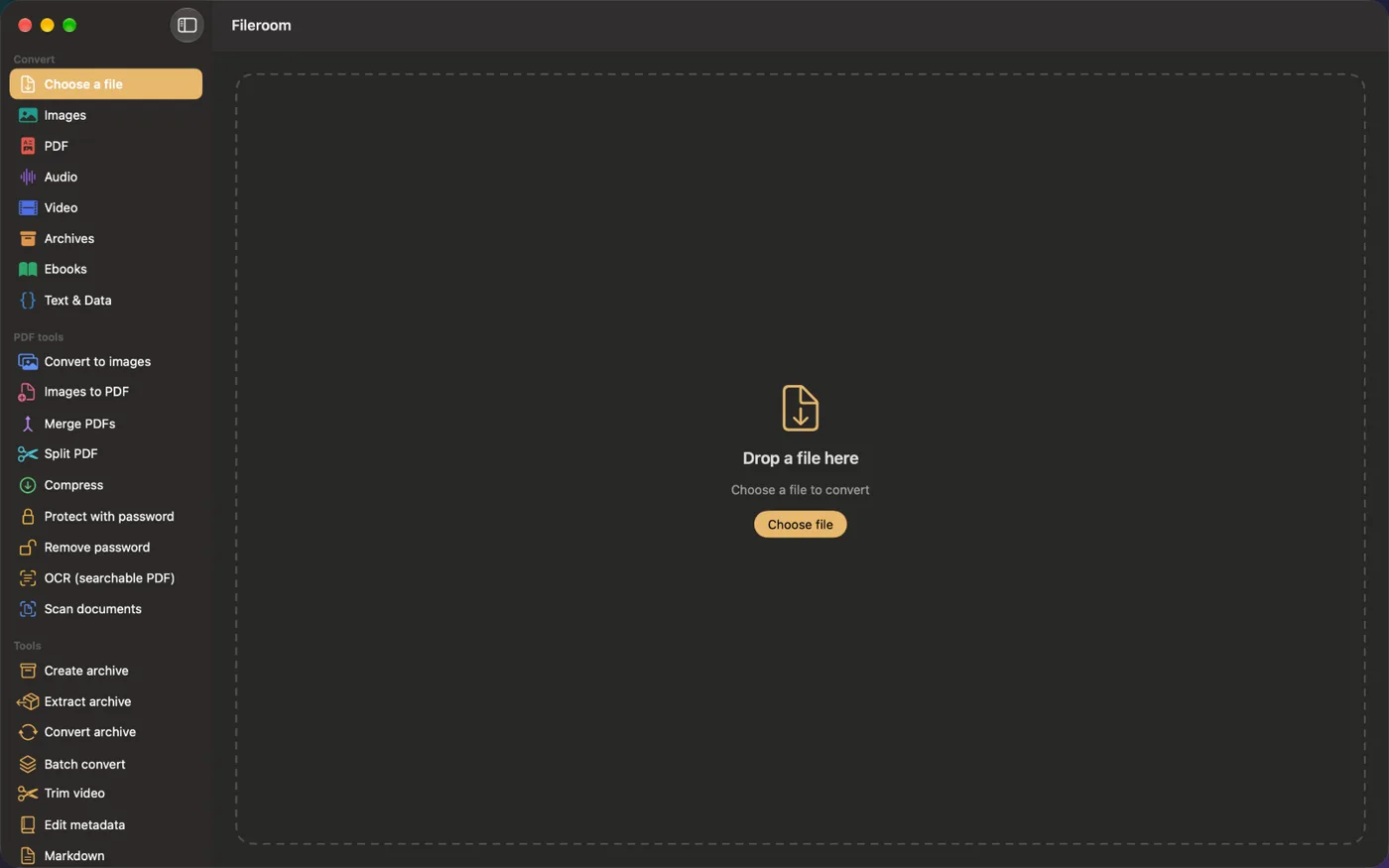
Everyday conversions are free, with no account and no uploads. Pro unlocks the power tools once — buy it outright or subscribe.
Prices in US dollars — the App Store shows them in your local currency. Subscriptions are billed by Apple and can be managed or cancelled in your device settings; Lifetime is a one-time purchase.
Step-by-step guides for the conversions people ask about most.
How to scan, OCR, merge, split, compress and protect PDFs — and open RAR and 7Z archives — right on your iPhone.
Bug reports, format requests, refund questions — write to support@fileroom.app. We read every message.