
Audio · On-device
M4A to MP3on iPhone and iPad.
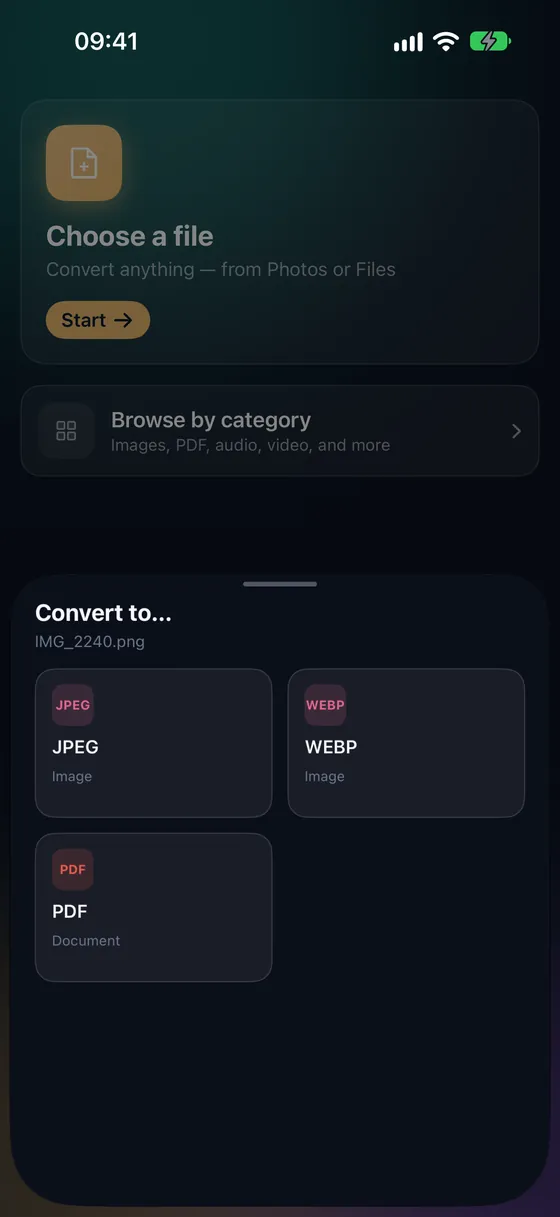
iPhone Voice Memos are saved as M4A. MP3 still has the widest support — older car stereos, speakers, school and work systems. Fileroom converts M4A to MP3 on your device.
Free to download — no account, no uploads.
Why convert M4A to MP3?
- MP3 plays on devices that don't support AAC.
- Car stereos and some Bluetooth speakers only handle MP3.
- Easier sharing with Windows users.
- Your recordings never reach a server.
How to convert M4A to MP3
- 01
Choose the recording
Share the memo from Voice Memos to Fileroom, or tap Choose a file and pick the M4A.
- 02
Tap MP3
Pick MP3 and a bitrate — 128 kbps is plenty for voice, 256 kbps for music.
- 03
Convert
Tap Convert. The MP3 is saved to your library.
Frequently asked
- Will my recording sound worse as MP3?
- Any conversion between lossy formats loses a little, but at 128 kbps for voice you won't hear it. Keep M4A if the destination supports it.
- Does it work with protected iTunes purchases?
- No. Files protected with DRM (older iTunes Store purchases) can't be converted by any third-party app.
Related conversions
Now on the Mac App Store
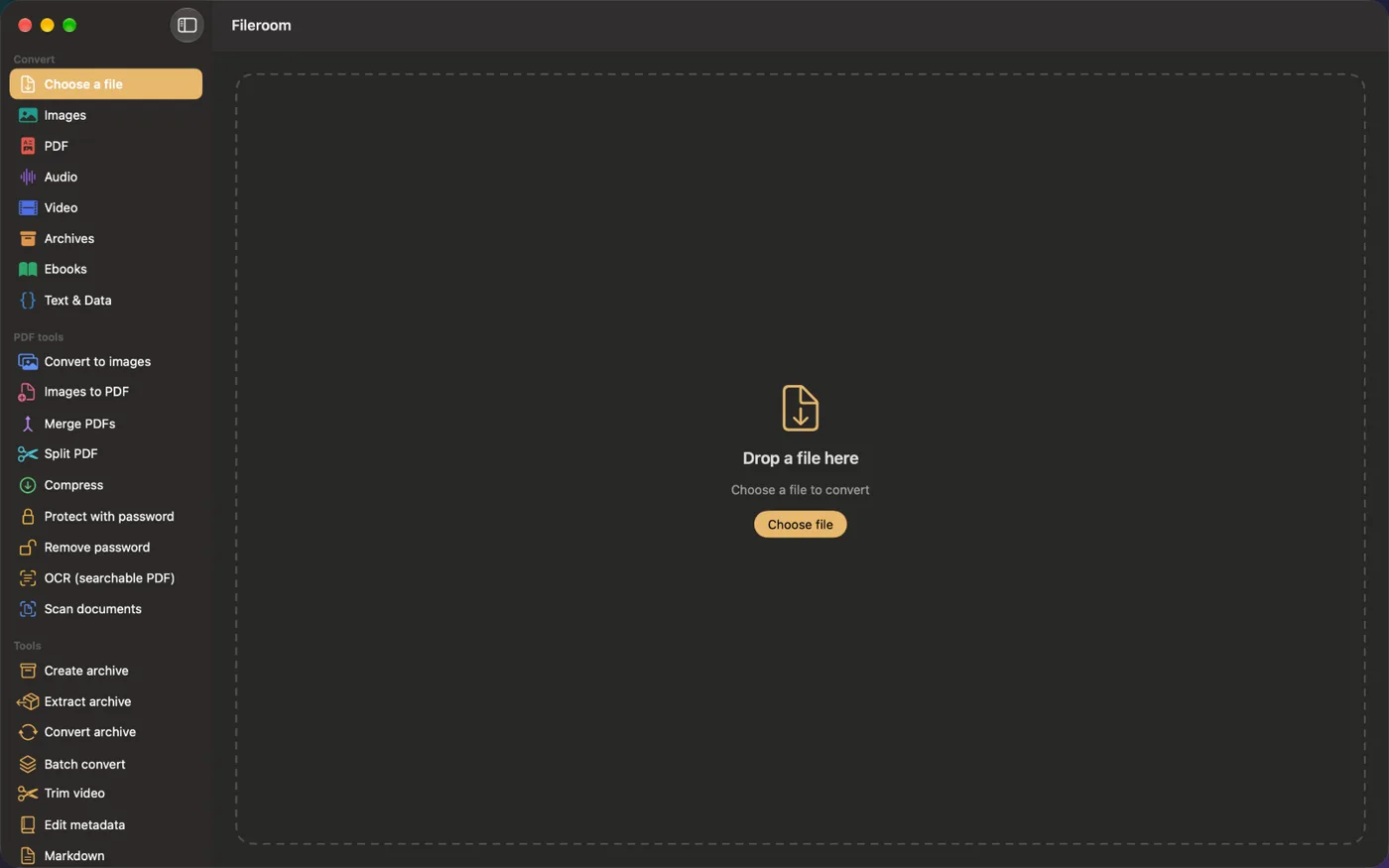
Fileroom, on your Mac.
A native Mac app with every converter and PDF tool — drag files onto the window, batch whole folders, or convert right from Finder.
- Drag & drop onto the window
- Finder Quick Action
- One purchase for iPhone, iPad and Mac
Try Fileroom on your iPhone.
iPhone, iPad and Mac on the App Store — every format pair, all on-device. Android coming soon.
Want new features early? Join the TestFlight beta