
Image · On-device
WebP to JPEGon iPhone and iPad.
Websites love WebP because the files are small, but the format trips up many apps, email clients and editors. Fileroom turns WebP into JPEG that works everywhere — on your phone, with nothing uploaded.
Free to download — no account, no uploads.
Why convert WebP to JPEG?
- Almost every app accepts JPEG; many still don't accept WebP.
- Web forms, photo printers and older websites often reject WebP.
- JPEG is friendlier to send in chats and email.
- On-device conversion — no service ever sees the image.
How to convert WebP to JPEG
- 01
Choose the image
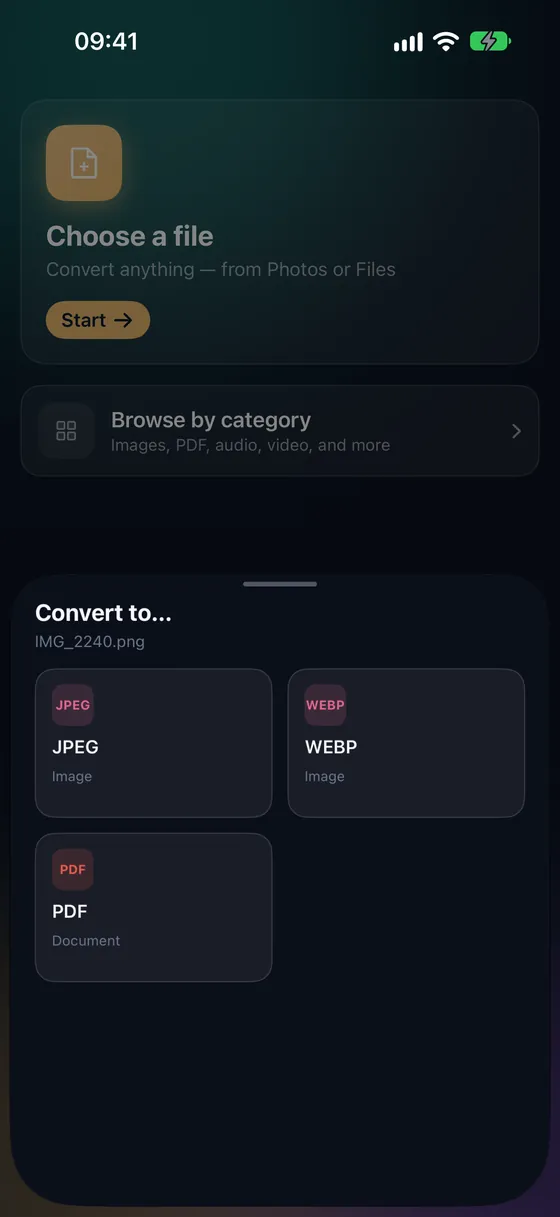
Save the WebP from your browser, then tap Choose a file in Fileroom and pick it from Files.
- 02
Tap JPEG
Pick JPEG from the list of formats. Quality 90 is a good default for sharing.
- 03
Convert
Tap Convert. The JPEG is saved to your library.
Frequently asked
- Does WebP to JPEG lose quality?
- Slightly — WebP is usually lossy already, and JPEG adds another round of compression. At quality 90 the difference is small; at 95 it's invisible.
- What about animated WebP?
- Fileroom converts the first frame to a still JPEG. For animation, convert to GIF or MP4 instead.
Related conversions
Now on the Mac App Store
Fileroom, on your Mac.
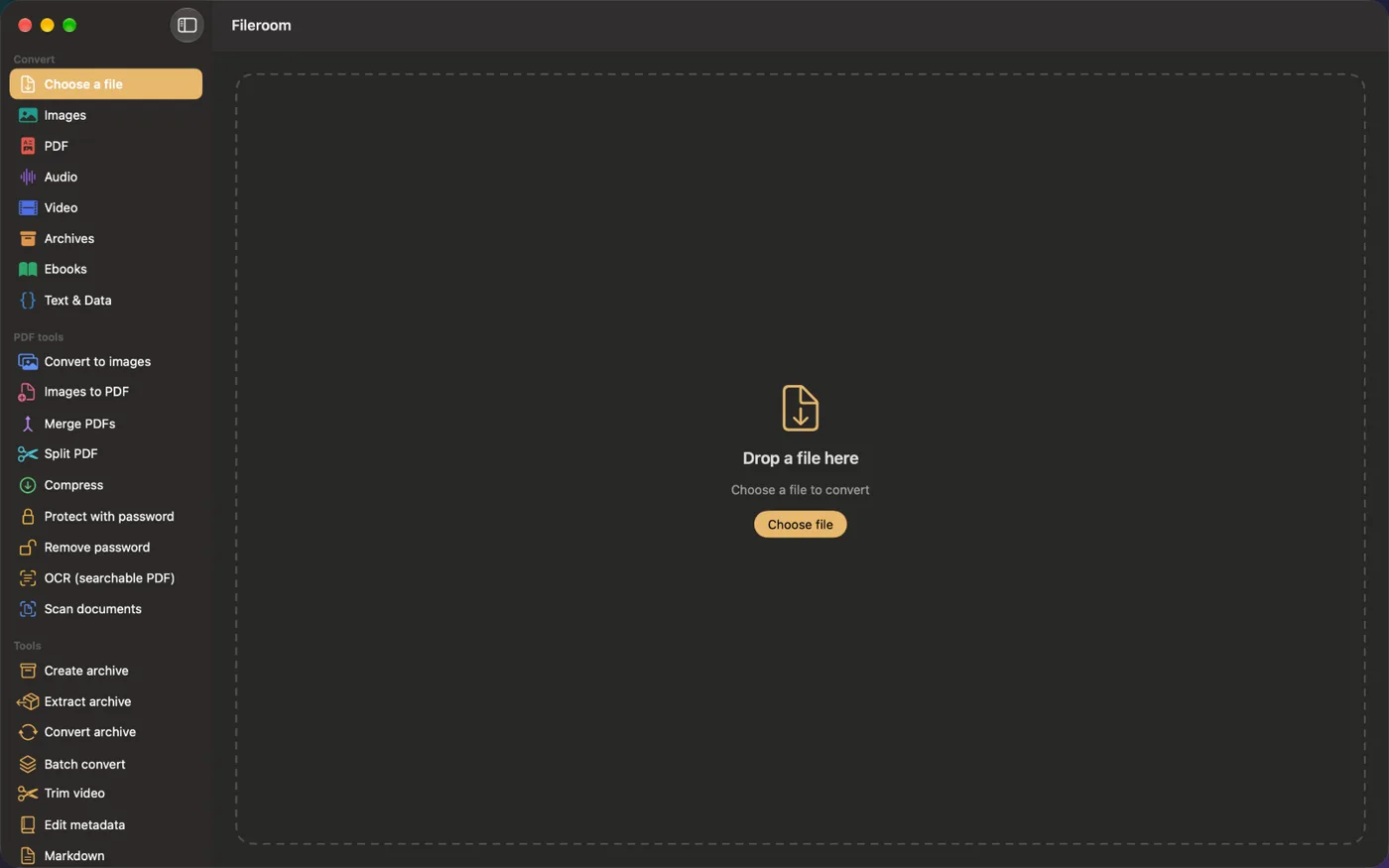
A native Mac app with every converter and PDF tool — drag files onto the window, batch whole folders, or convert right from Finder.
- Drag & drop onto the window
- Finder Quick Action
- One purchase for iPhone, iPad and Mac
Try Fileroom on your iPhone.
iPhone, iPad and Mac on the App Store — every format pair, all on-device. Android coming soon.
Want new features early? Join the TestFlight beta