
HEIC to JPEGon iPhone and iPad.
iPhone photos are saved as HEIC to save space, but many apps, websites and Windows PCs still expect JPEG. Fileroom converts HEIC to JPEG entirely on your phone — no upload, no waiting on a server, no copy of your photo on someone else's computer.
Free to download — no account, no uploads.
Why convert HEIC to JPEG?
- JPEG opens everywhere — email, chat apps, websites, Windows and older photo software.
- People on Android or Windows often see HEIC as a broken attachment.
- Web forms, print shops and most upload pages only accept JPEG or PNG.
- The conversion stays on your device, so your photos stay private.
How to convert HEIC to JPEG
- 01
Choose the photo
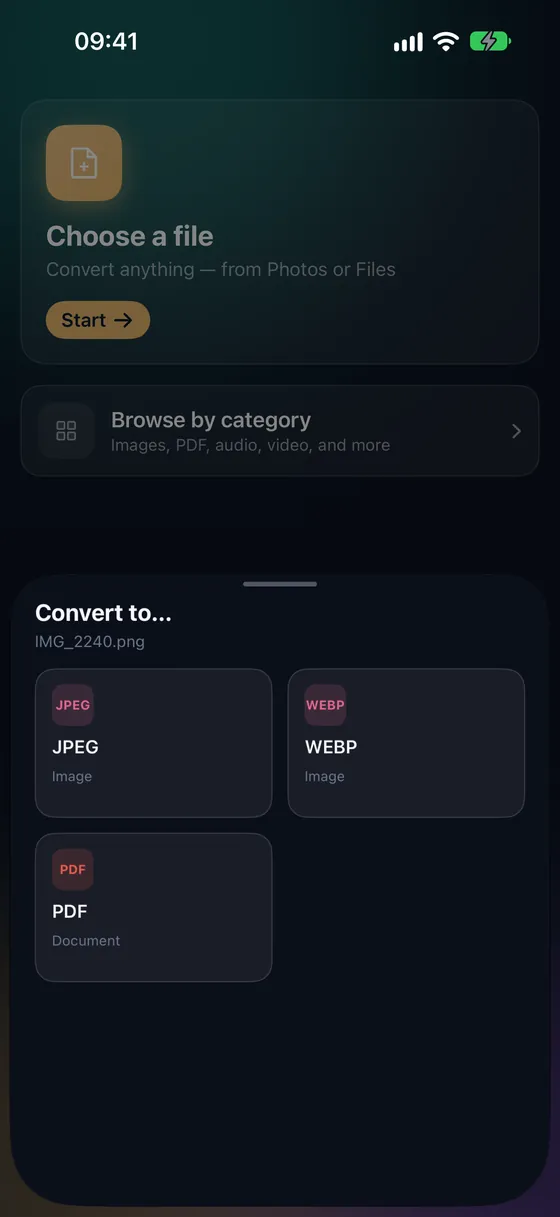
Open Fileroom, tap Choose a file and pick a HEIC photo from Photos or Files.
- 02
Tap JPEG
Pick JPEG from the list of formats. Lower the quality if you want a smaller file — 90 is a good default.
- 03
Convert and share
Tap Convert. The JPEG is saved to your library, ready to share or save back to Photos.
Frequently asked
- Does converting HEIC to JPEG lose quality?
- HEIC compresses more efficiently than JPEG, so a JPEG of the same visual quality is larger. At quality 90 or above the difference is invisible on a phone screen.
- Can I convert several HEIC photos at once?
- Yes. Batch conversion handles up to 3 files for free, and any number with Fileroom Pro. Each result keeps the original name with a .jpg extension.
- Is my photo uploaded anywhere?
- No. Fileroom converts on your device and never uploads your files — it even works in airplane mode.
Related conversions
Fileroom, on your Mac.
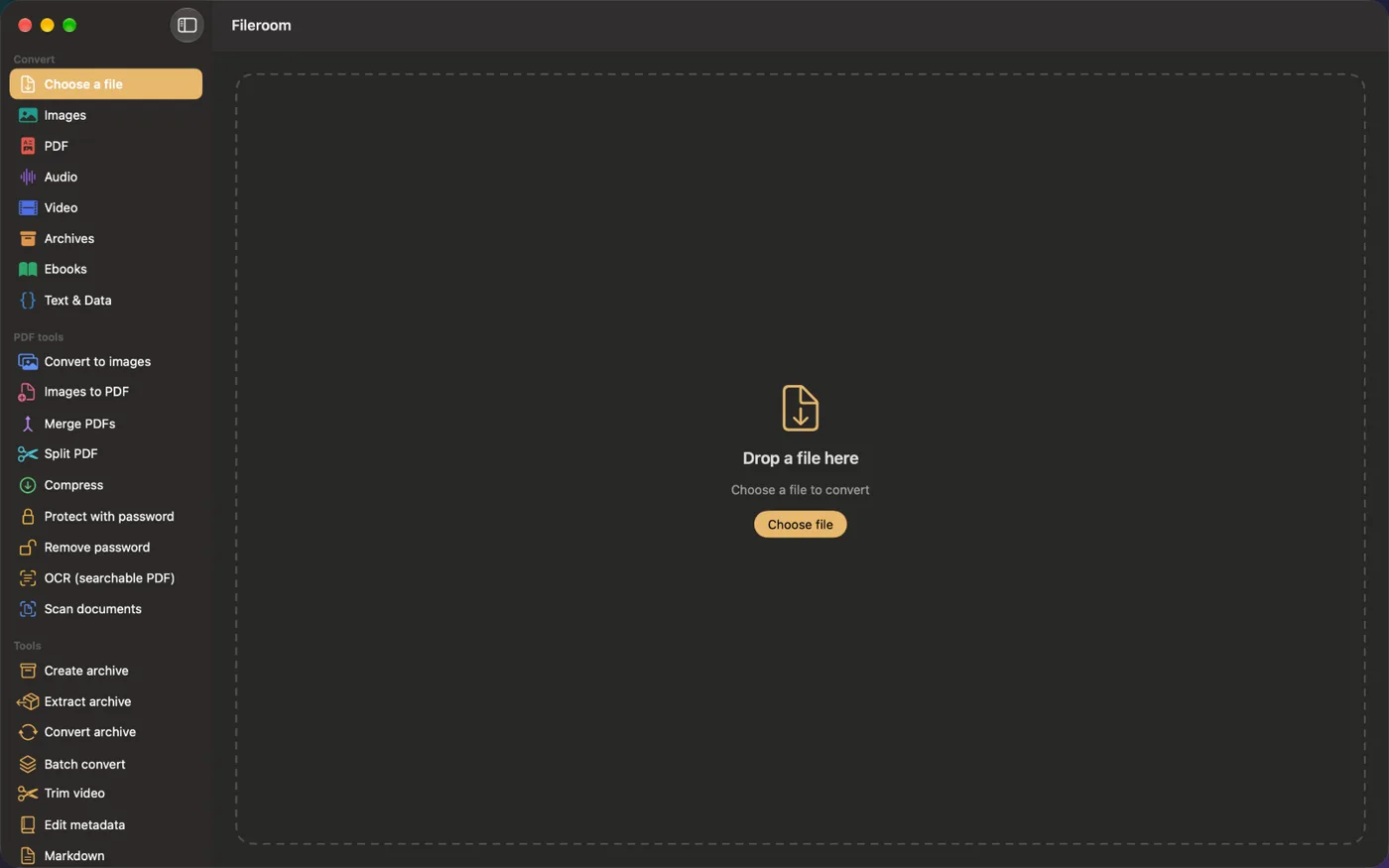
A native Mac app with every converter and PDF tool — drag files onto the window, batch whole folders, or convert right from Finder.
- Drag & drop onto the window
- Finder Quick Action
- One purchase for iPhone, iPad and Mac
Try Fileroom on your iPhone.
iPhone, iPad and Mac on the App Store — every format pair, all on-device. Android coming soon.
Want new features early? Join the TestFlight beta