
Ebook · On-device
EPUB to PDFon iPhone and iPad.
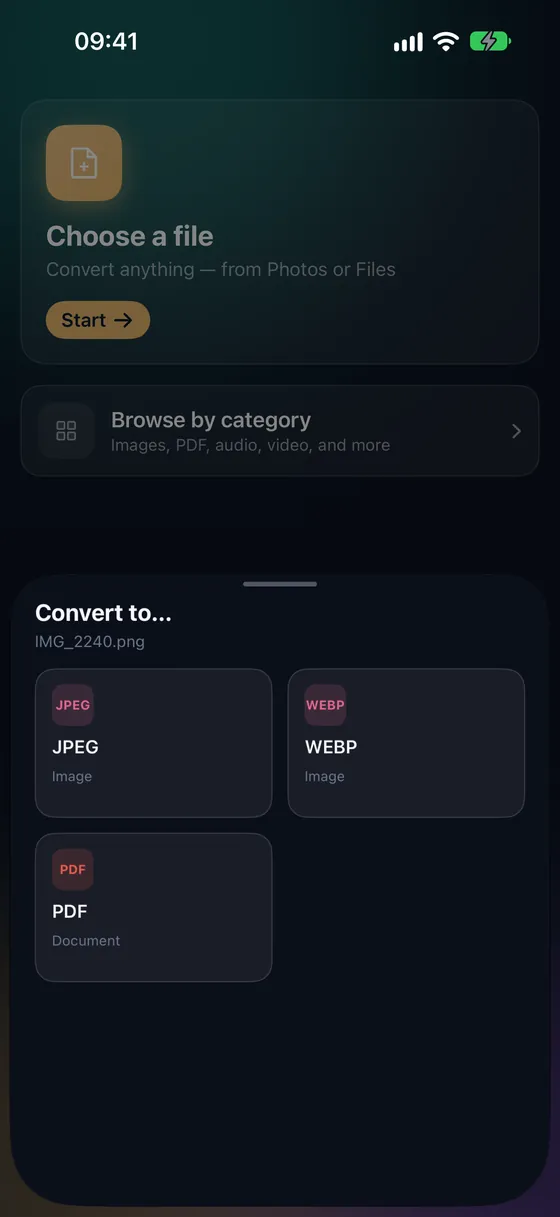
EPUB is great in reading apps but awkward to print, annotate or send to someone without an e-reader. Fileroom converts EPUB to PDF on your phone, keeping the chapters and basic formatting.
Free to download — no account, no uploads.
Why convert EPUB to PDF?
- PDF prints reliably with fixed pages.
- Annotate in any PDF app.
- Everyone can open a PDF.
- Your books stay on your device.
How to convert EPUB to PDF
- 01
Choose the ebook
Open Fileroom, tap Choose a file and pick the EPUB from Files.
- 02
Tap PDF
Pick PDF from the list of formats.
- 03
Convert
Tap Convert. The PDF is saved to your library.
Frequently asked
- Will the PDF look exactly like my e-reader?
- Close — headings, text styles and images carry over, but reflowable EPUB text becomes fixed PDF pages, so line breaks will differ.
- Can it convert DRM-protected ebooks?
- No. Books protected with DRM (such as Kindle or Kobo store purchases) can't be converted by any third-party app. Fileroom converts DRM-free EPUB files.
Related conversions
Now on the Mac App Store
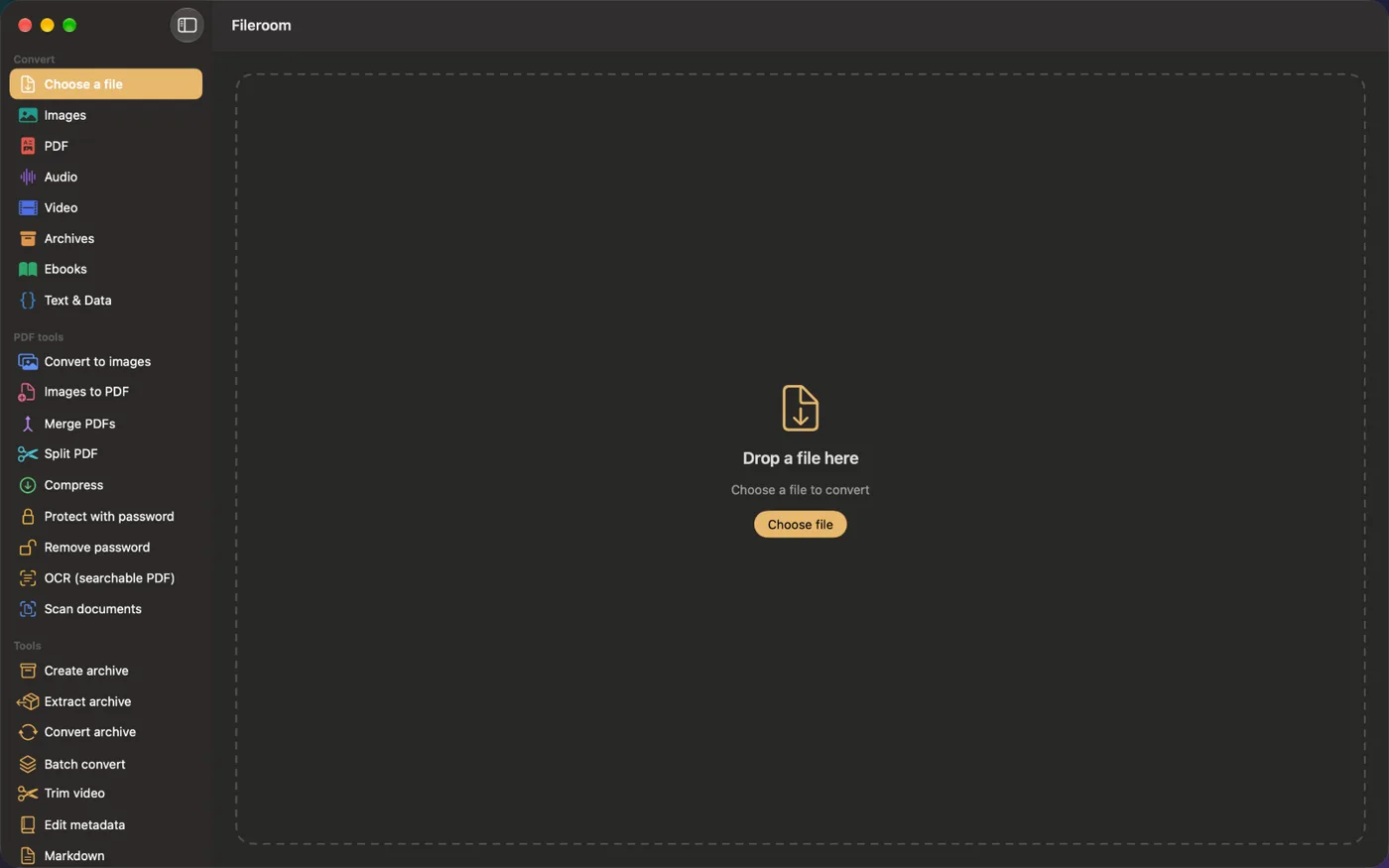
Fileroom, on your Mac.
A native Mac app with every converter and PDF tool — drag files onto the window, batch whole folders, or convert right from Finder.
- Drag & drop onto the window
- Finder Quick Action
- One purchase for iPhone, iPad and Mac
Try Fileroom on your iPhone.
iPhone, iPad and Mac on the App Store — every format pair, all on-device. Android coming soon.
Want new features early? Join the TestFlight beta