
How-to guide · On-device
How to split a PDF on iPhone
Need only a few pages of a long PDF — or want to break a big document into sections? Fileroom splits PDFs by page range on your iPhone. Each range becomes its own PDF.
Included in Fileroom Pro — Lifetime or subscription.
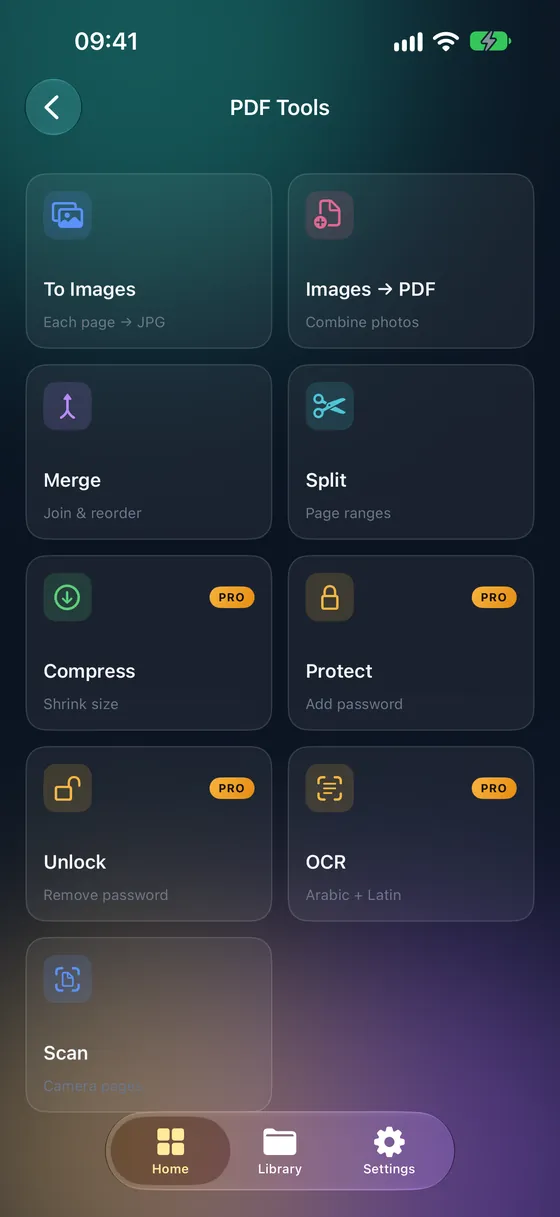
Step by step
- 01
Open Split PDF
Open Fileroom and go to PDF tools › Split PDF.
- 02
Choose the PDF
Pick the document from your library, Files or iCloud Drive.
- 03
Enter page ranges
Type ranges like 1-5, 7, 10-12 — or select pages from the thumbnails. Each range becomes a separate PDF.
- 04
Split
Tap Split. The new PDFs are saved to your library.
Tips
- To extract one section, enter a single range such as 3-8.
- Separate ranges with commas to create several files at once.
- Remove a password first if the PDF is locked.
- The original PDF stays unchanged.
Frequently asked
- Is splitting PDFs free?
- Splitting is part of Fileroom Pro (Lifetime or subscription).
- Can I turn pages into images instead?
- Yes — PDF tools › Convert to images saves every page as a JPEG, and that's free.
More guides
Related conversions
Try Fileroom on your iPhone.
iPhone and iPad on the App Store — every format pair, all on-device. Android coming soon.
Want new features early? Join the TestFlight beta