
Audio · On-device
MP4 to MP3on iPhone and iPad.
Sometimes you only need the sound — a lecture, a podcast saved as video, a recorded talk. Fileroom converts MP4 to MP3 entirely on your phone.
Free to download — no account, no uploads.
Why convert MP4 to MP3?
- Far smaller than the video — easy to keep and send.
- Audio-only playback for the car, the gym or a run.
- MP3 plays on every device, car stereo and speaker.
- Nothing is uploaded — the video stays on your phone.
How to convert MP4 to MP3
- 01
Choose the video
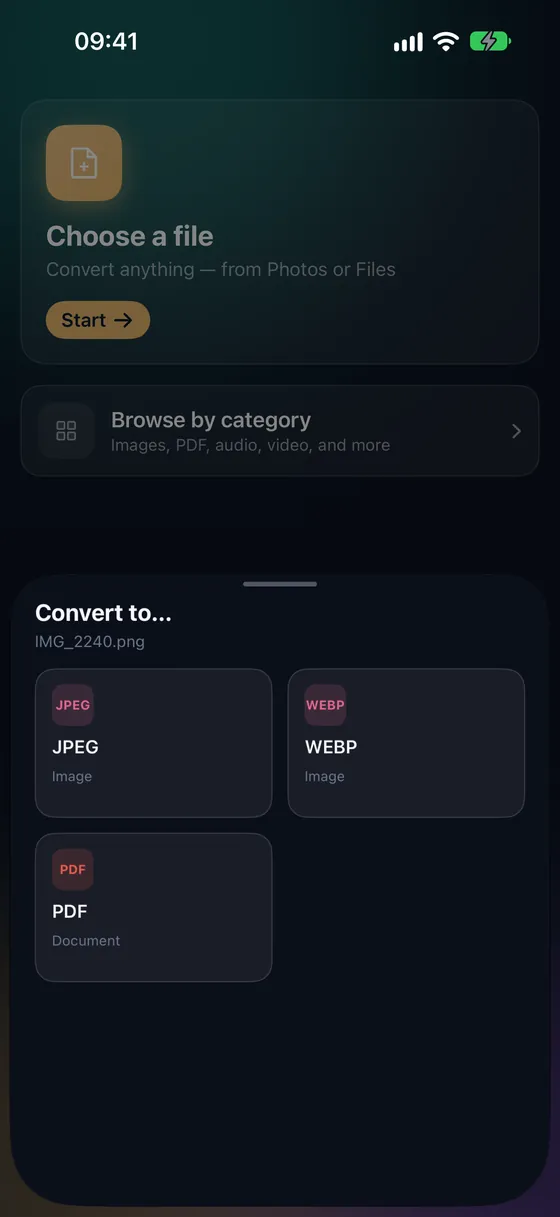
Open Fileroom, tap Choose a file and pick the MP4 from Photos or Files.
- 02
Tap MP3
Pick MP3 and set the bitrate — 128 kbps is fine for speech, 192–320 kbps for music.
- 03
Convert
Tap Convert. The MP3 is saved to your library.
Frequently asked
- Will I lose quality going to MP3?
- MP3 is lossy, but at 192–320 kbps the difference is inaudible to most people. Use 320 kbps for music and 128 kbps for speech.
- Can I extract only part of the video?
- Yes — trim the video first with Trim video (Fileroom Pro), then convert the shorter clip.
Related conversions
Now on the Mac App Store
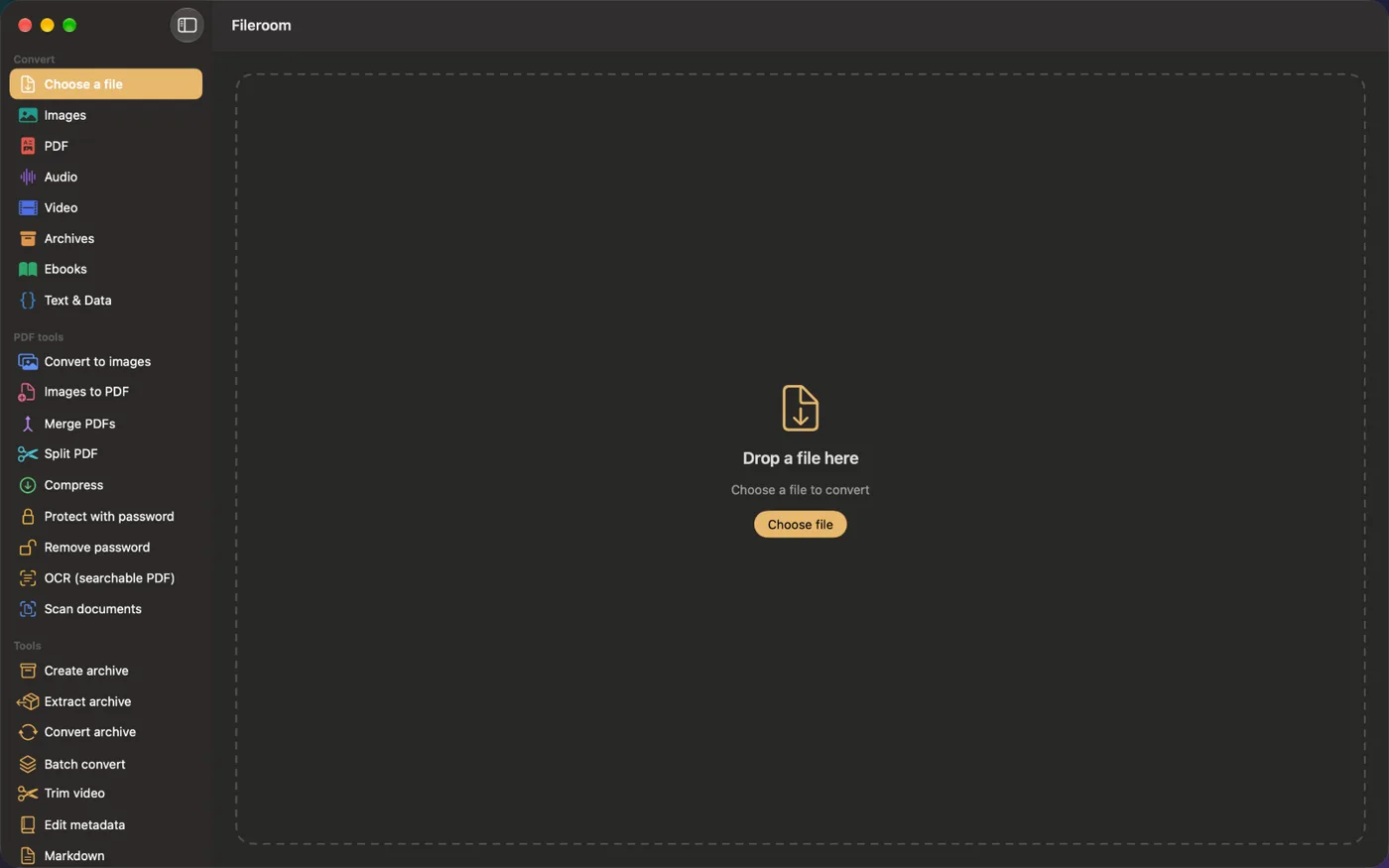
Fileroom, on your Mac.
A native Mac app with every converter and PDF tool — drag files onto the window, batch whole folders, or convert right from Finder.
- Drag & drop onto the window
- Finder Quick Action
- One purchase for iPhone, iPad and Mac
Try Fileroom on your iPhone.
iPhone, iPad and Mac on the App Store — every format pair, all on-device. Android coming soon.
Want new features early? Join the TestFlight beta