
Video · On-device
MOV to MP4on iPhone and iPad.
iPhone records MOV by default, but MP4 is what Windows players, websites and editing apps expect. Fileroom converts MOV to MP4 on your phone using its hardware video engine — fast, with no upload.
Free to download — no account, no uploads.
Why convert MOV to MP4?
- MP4 is the universal video format — Windows, YouTube, web players and editors all take it.
- Most MOV files already use H.264 or HEVC, so Fileroom can repackage them as MP4 with no quality loss.
- Hardware acceleration keeps even long clips quick.
- Everything stays on your device — large videos are never uploaded.
How to convert MOV to MP4
- 01
Choose the video
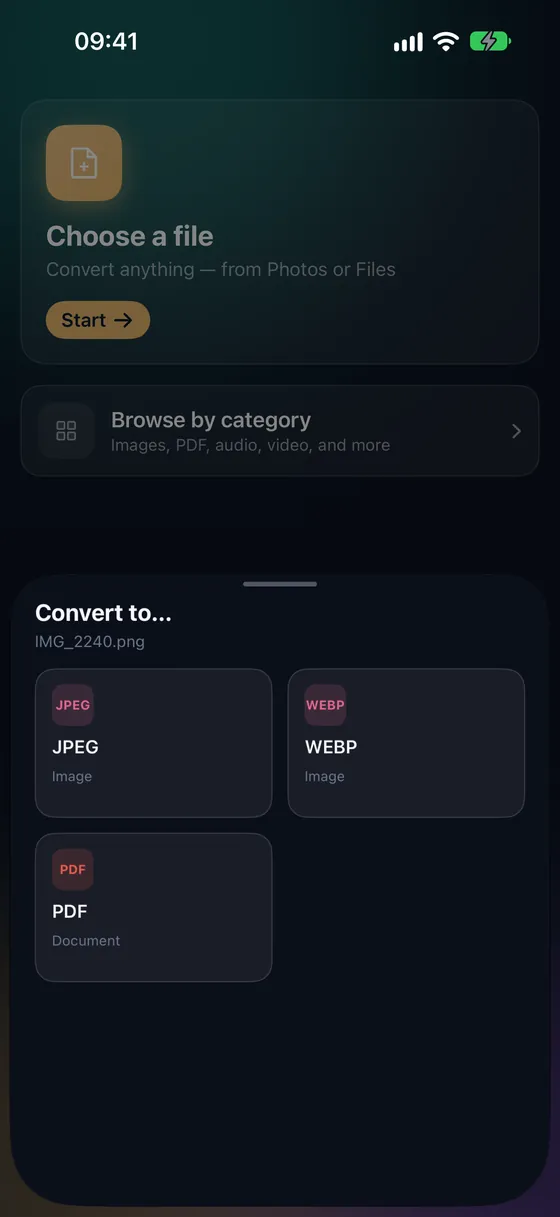
Open Fileroom, tap Choose a file and pick a MOV video from Photos or Files.
- 02
Tap MP4
Pick MP4. When the video inside is already compatible, Fileroom repackages it without re-encoding.
- 03
Convert
Tap Convert. The MP4 is saved to your library, ready to share.
Frequently asked
- Will MOV to MP4 reduce quality?
- Not when the video can be repackaged. MOV and MP4 are both containers — if the video and audio inside are already compatible (H.264, HEVC, AAC), Fileroom just rewrites the container.
- How long does it take?
- Repackaging takes seconds, even for 4K clips. A full re-encode takes longer and depends on your device's hardware encoder.
- Can I trim the video too?
- Yes — Trim video (part of Fileroom Pro) lets you set a start and end point before exporting.
Related conversions
Now on the Mac App Store
Fileroom, on your Mac.
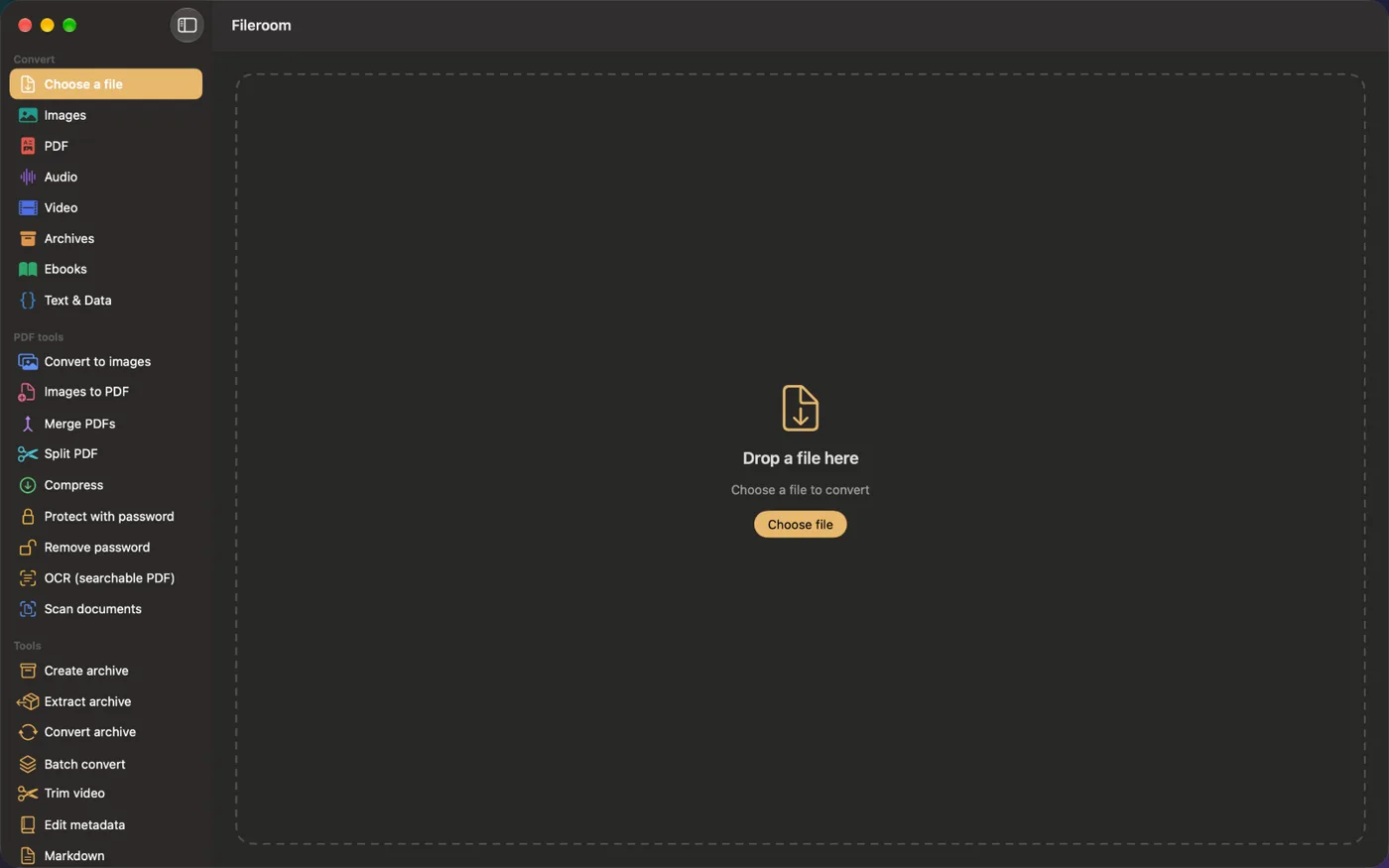
A native Mac app with every converter and PDF tool — drag files onto the window, batch whole folders, or convert right from Finder.
- Drag & drop onto the window
- Finder Quick Action
- One purchase for iPhone, iPad and Mac
Try Fileroom on your iPhone.
iPhone, iPad and Mac on the App Store — every format pair, all on-device. Android coming soon.
Want new features early? Join the TestFlight beta