
Image · On-device
WebP to PNGon iPhone and iPad.
PNG is the right choice when you want lossless quality or the WebP has transparency to preserve. Fileroom converts it on your phone — no upload, no copy on a server.
Free to download — no account, no uploads.
Why convert WebP to PNG?
- PNG is lossless — no further quality loss on top of the WebP.
- Transparent WebP images keep their transparency as PNG.
- Design and editing apps prefer PNG.
- The image is never uploaded.
How to convert WebP to PNG
- 01
Choose the image
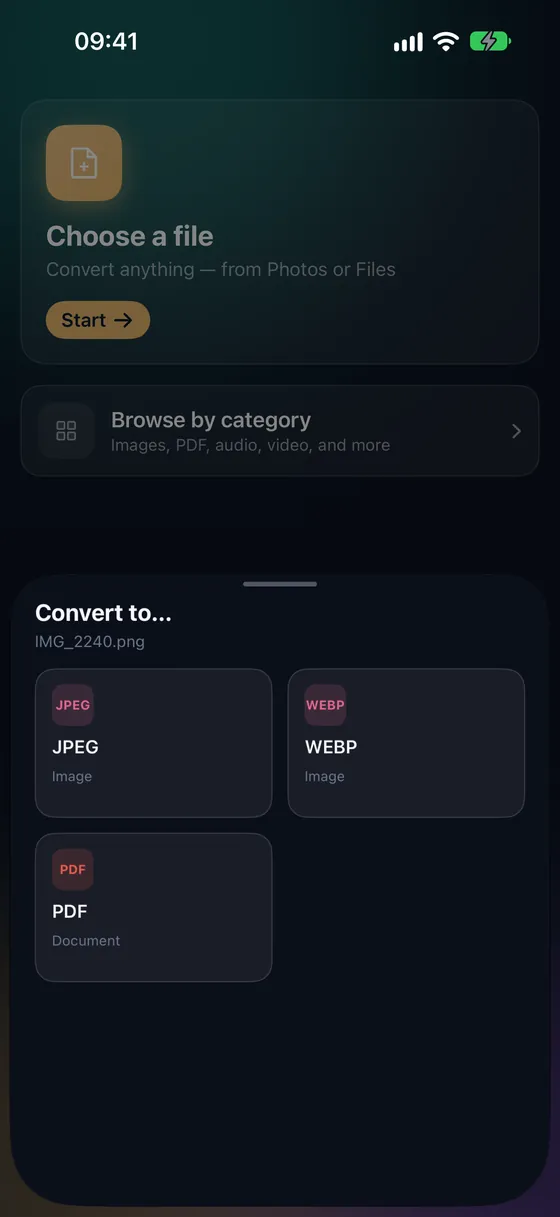
Open Fileroom, tap Choose a file and pick the WebP from Files or Photos.
- 02
Tap PNG
Pick PNG from the list of formats — it's always lossless.
- 03
Convert
Tap Convert. The PNG is saved to your library with transparency intact.
Frequently asked
- Is transparency preserved?
- Yes — if the WebP has transparency, the PNG keeps it.
- Why is the PNG so much larger?
- PNG is lossless while WebP is usually lossy. A 100 KB WebP can easily become a 500 KB–2 MB PNG.
Related conversions
Now on the Mac App Store
Fileroom, on your Mac.
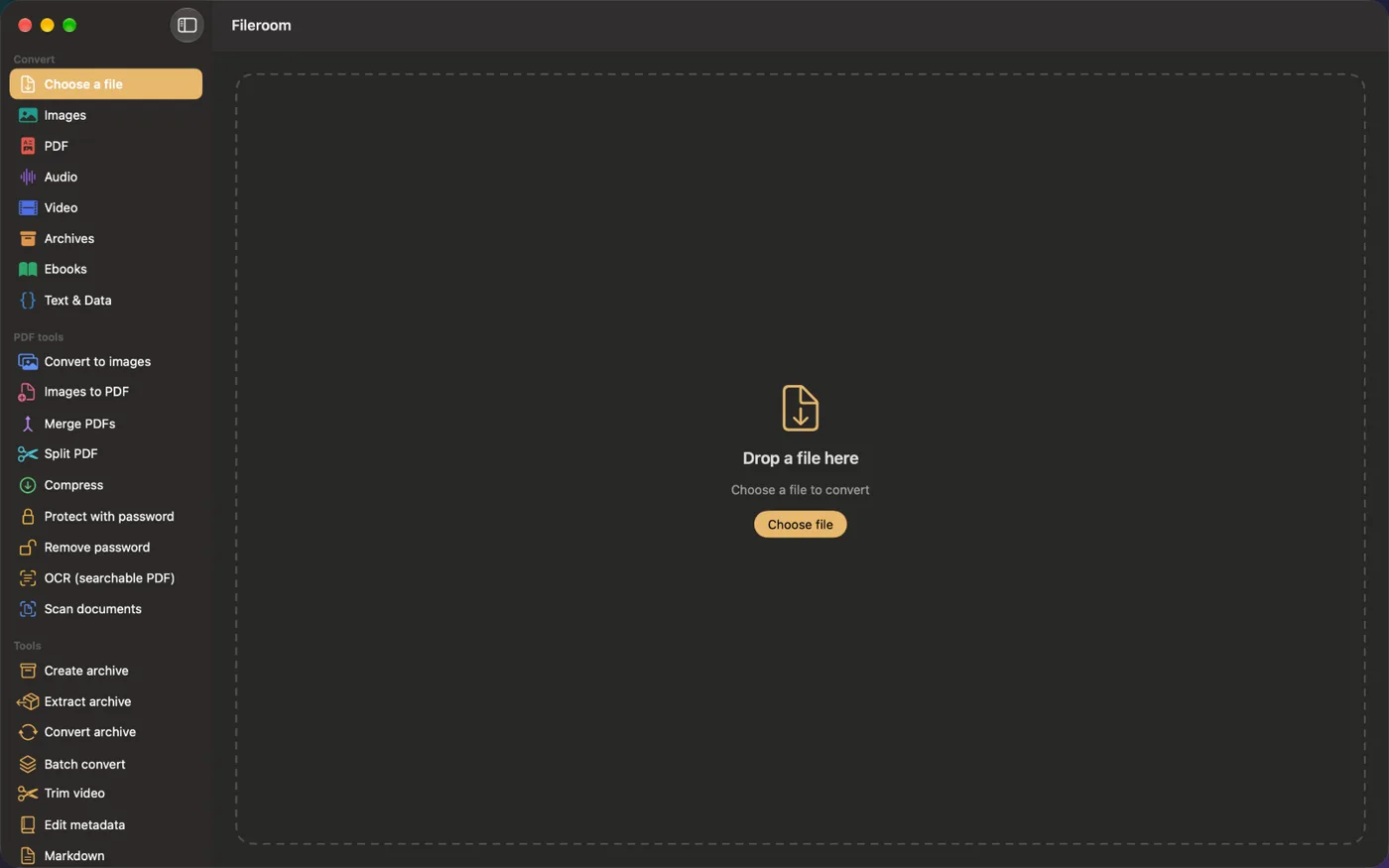
A native Mac app with every converter and PDF tool — drag files onto the window, batch whole folders, or convert right from Finder.
- Drag & drop onto the window
- Finder Quick Action
- One purchase for iPhone, iPad and Mac
Try Fileroom on your iPhone.
iPhone, iPad and Mac on the App Store — every format pair, all on-device. Android coming soon.
Want new features early? Join the TestFlight beta