
Finder Quick Action
Right-click a file in Finder and convert it without opening the app.
The native Mac app with every Fileroom converter and PDF tool — drop a file on the window, convert a whole selection at once, or right-click in Finder. Everything stays on your Mac.
Requires macOS 14 Sonoma or later on a Mac with Apple silicon.
Can't wait? Get Fileroom for iPhone and iPad
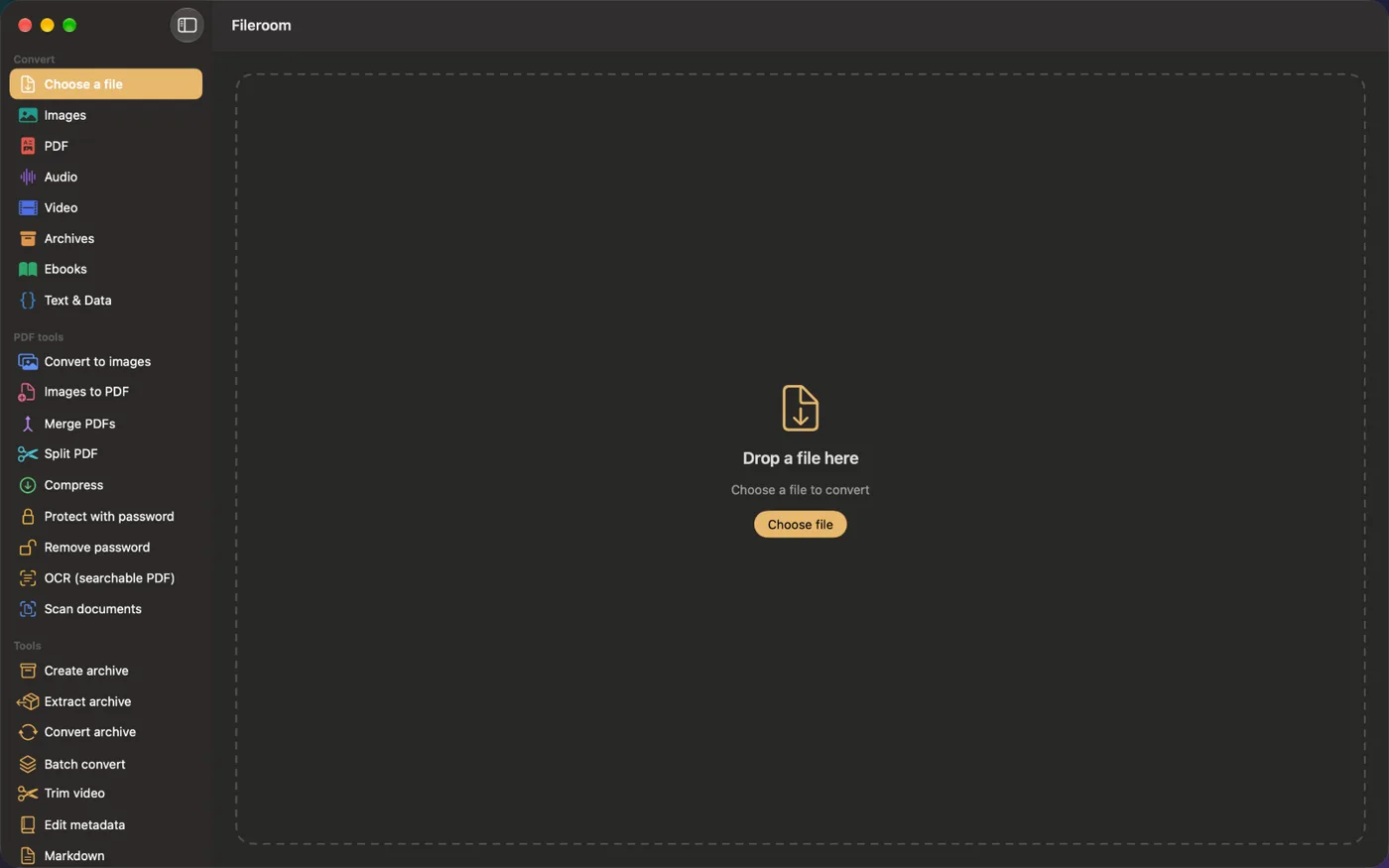
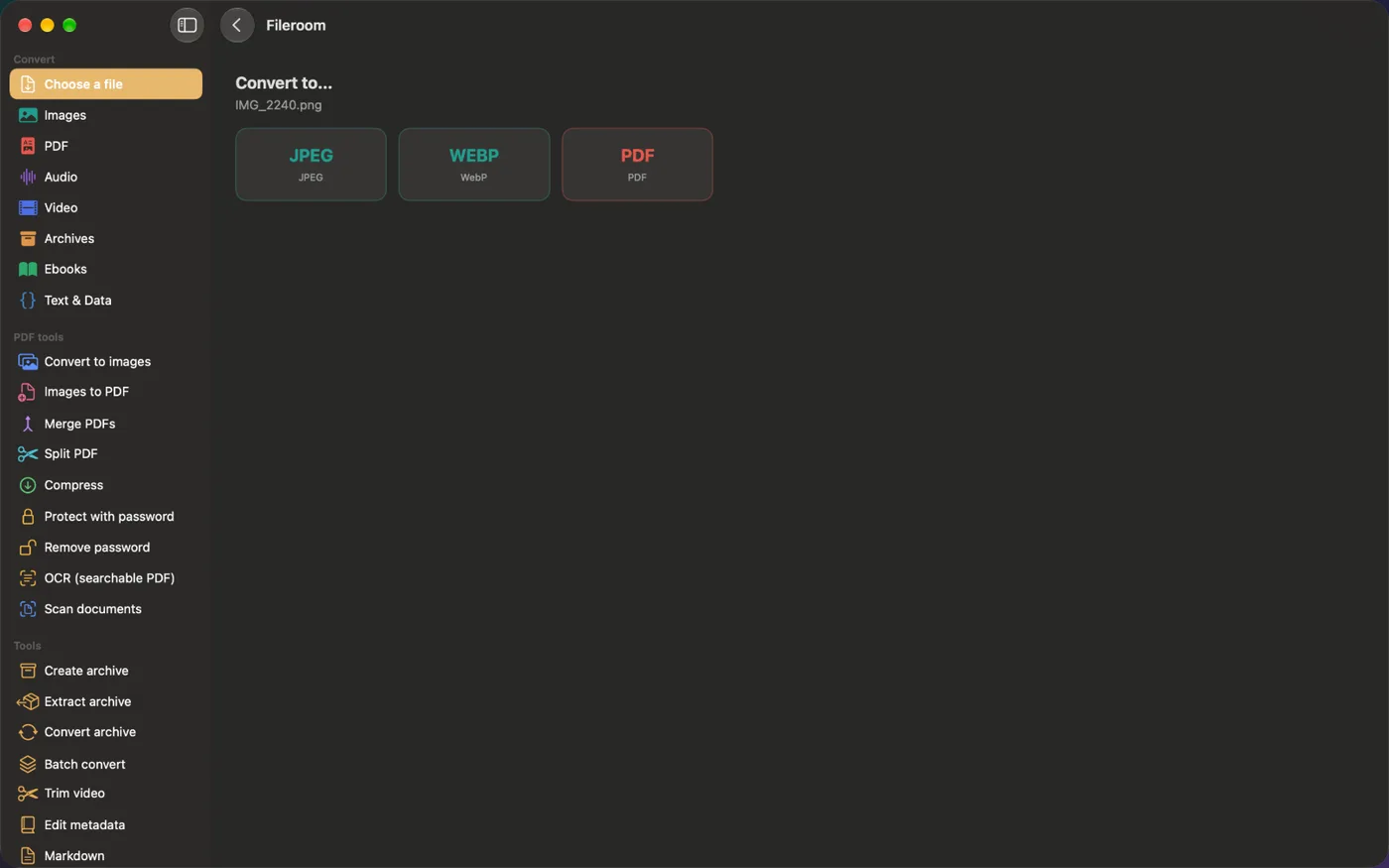
Drop a file on the window and pick a format — Fileroom only offers formats that make sense for your file.
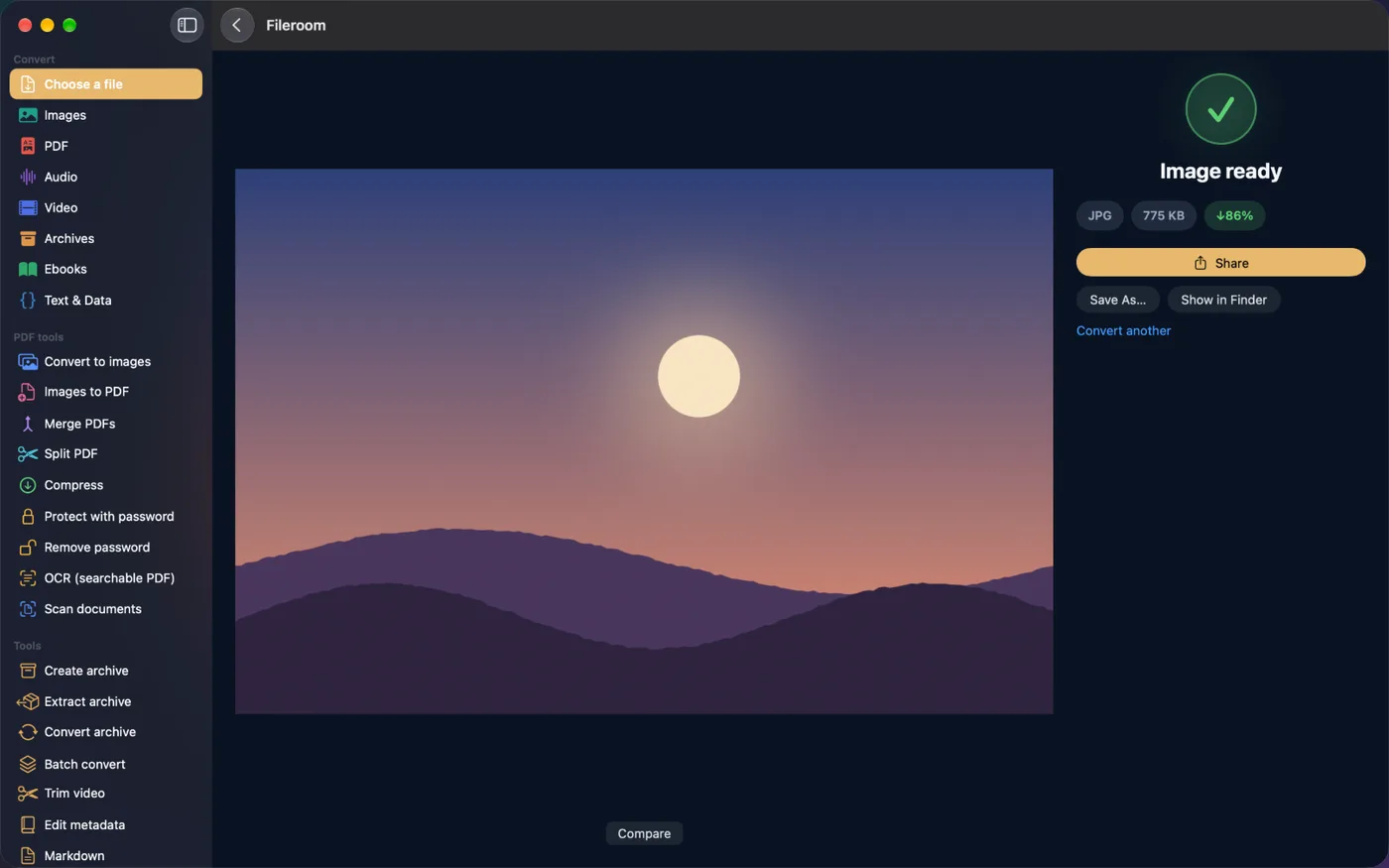
Conversions run on your Mac's own hardware. Save the result anywhere, show it in Finder or share it straight away.
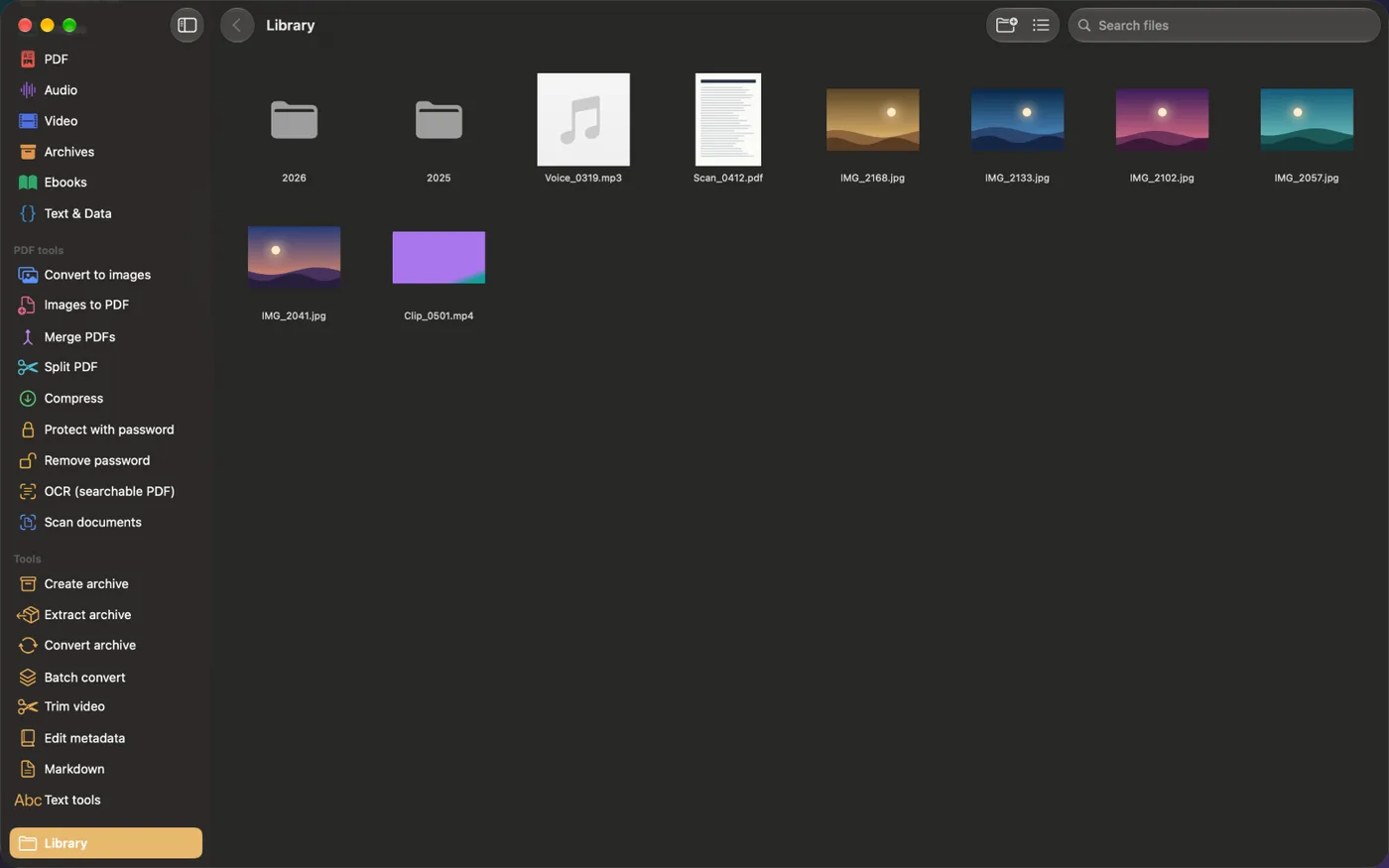
Everything you convert is saved to your library, with Quick Look previews and drag-out to Finder or any app.
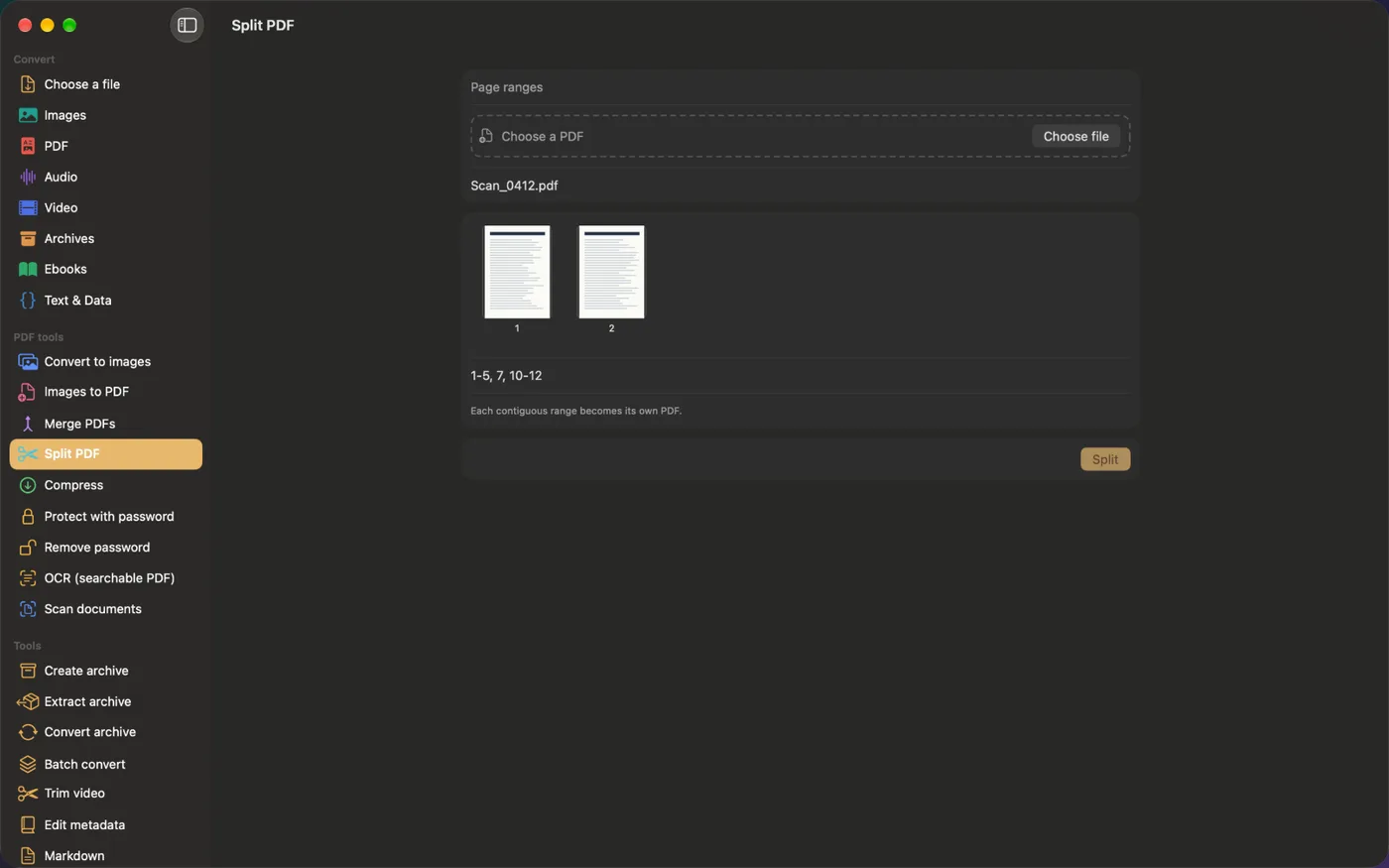
Merge, split, compress, protect, unlock and OCR — and scan paper with your iPhone camera through Continuity Camera.
Right-click a file in Finder and convert it without opening the app.
Convert a whole selection of files in one go, with progress and cancel.
Use Continuity Camera to scan paper straight into a PDF on your Mac.
Create, extract and convert ZIP, 7Z and TAR — including AES-256 encrypted ZIP.
Save the conversions you repeat and run them in one click.
Fileroom Pro unlocks on iPhone, iPad and Mac with the same Apple ID.