
Audio · On-device
WAV to MP3on iPhone and iPad.
WAV is uncompressed: perfect quality, huge files. MP3 is the format you can share. Fileroom converts WAV to MP3 on your phone with the bitrate you pick.
Free to download — no account, no uploads.
Why convert WAV to MP3?
- Around 10× smaller — easy to email, message or AirDrop.
- Plays on every phone, car and speaker.
- You choose the bitrate, so you control quality and size.
- Recordings of meetings and interviews stay private.
How to convert WAV to MP3
- 01
Choose the recording
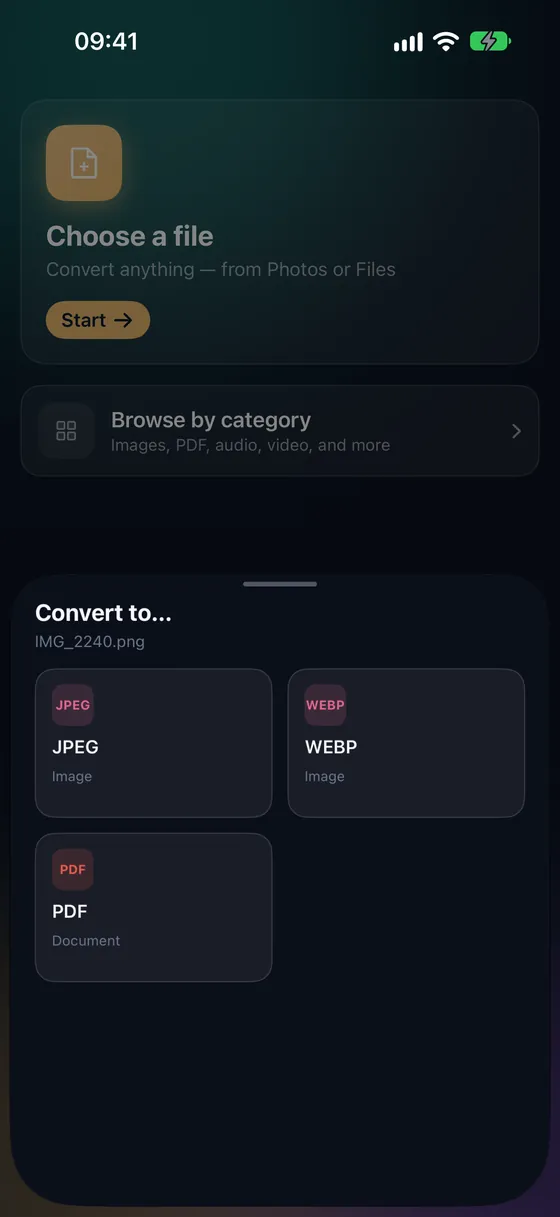
Open Fileroom, tap Choose a file and pick the WAV.
- 02
Tap MP3 and set the bitrate
320 kbps for music, 192 kbps as a balanced default, 128 kbps for speech.
- 03
Convert
Tap Convert. The MP3 is saved to your library.
Frequently asked
- How much quality do I lose?
- At 320 kbps most listeners can't tell the difference. At 128 kbps you may hear it in music, but speech is fine.
- Is FLAC better than MP3?
- FLAC is lossless but only about half the size of WAV. MP3 at 320 kbps is around 10× smaller. Use FLAC for archiving and MP3 for sharing.
Related conversions
Now on the Mac App Store
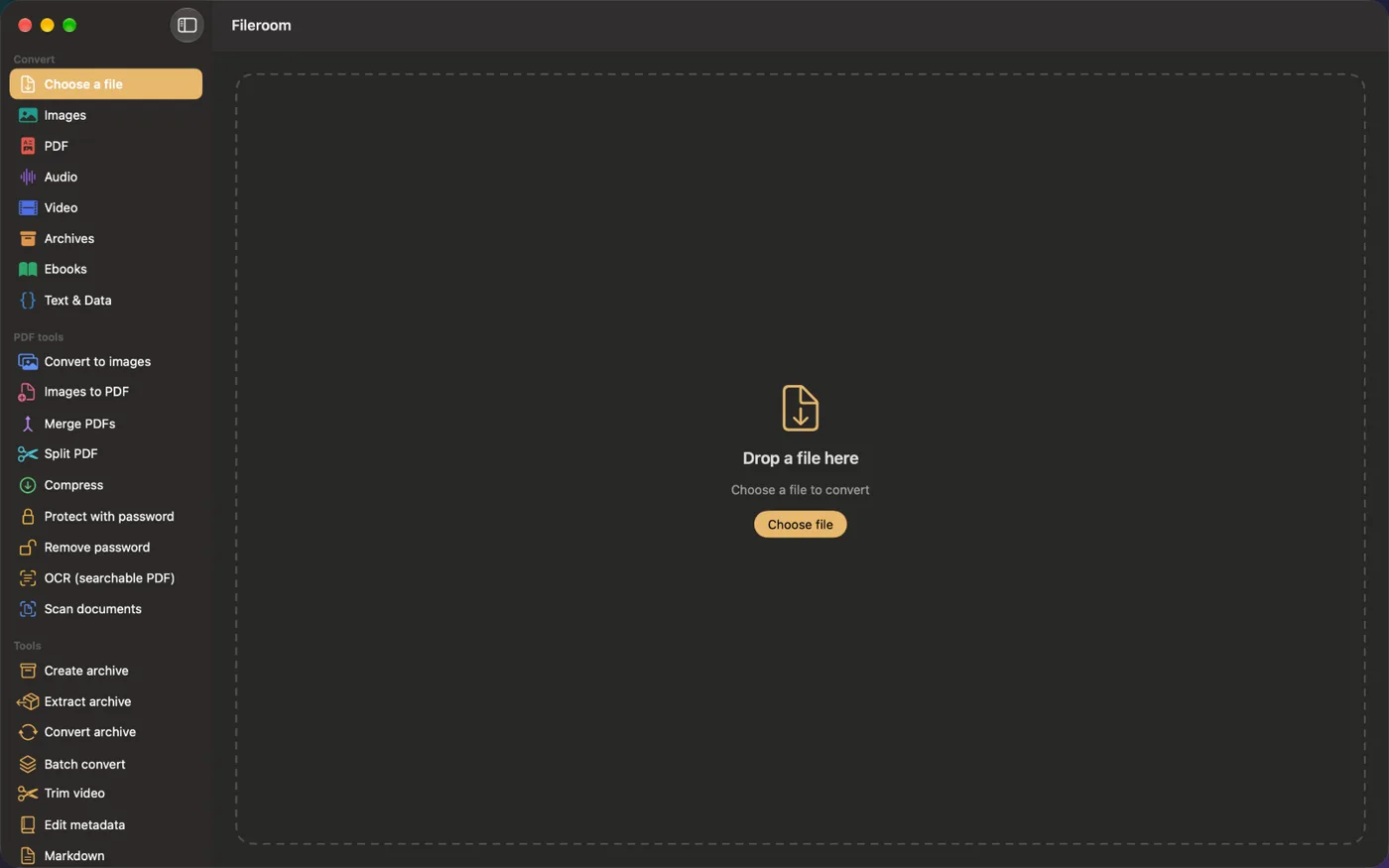
Fileroom, on your Mac.
A native Mac app with every converter and PDF tool — drag files onto the window, batch whole folders, or convert right from Finder.
- Drag & drop onto the window
- Finder Quick Action
- One purchase for iPhone, iPad and Mac
Try Fileroom on your iPhone.
iPhone, iPad and Mac on the App Store — every format pair, all on-device. Android coming soon.
Want new features early? Join the TestFlight beta