
How-to guide · On-device
How to reduce PDF file size on iPhone
Scans and photo-heavy PDFs are often too big for email or upload forms. Fileroom compresses PDFs on your iPhone by downsizing the images inside them — and you can see how much smaller the result is.
Included in Fileroom Pro — Lifetime or subscription.
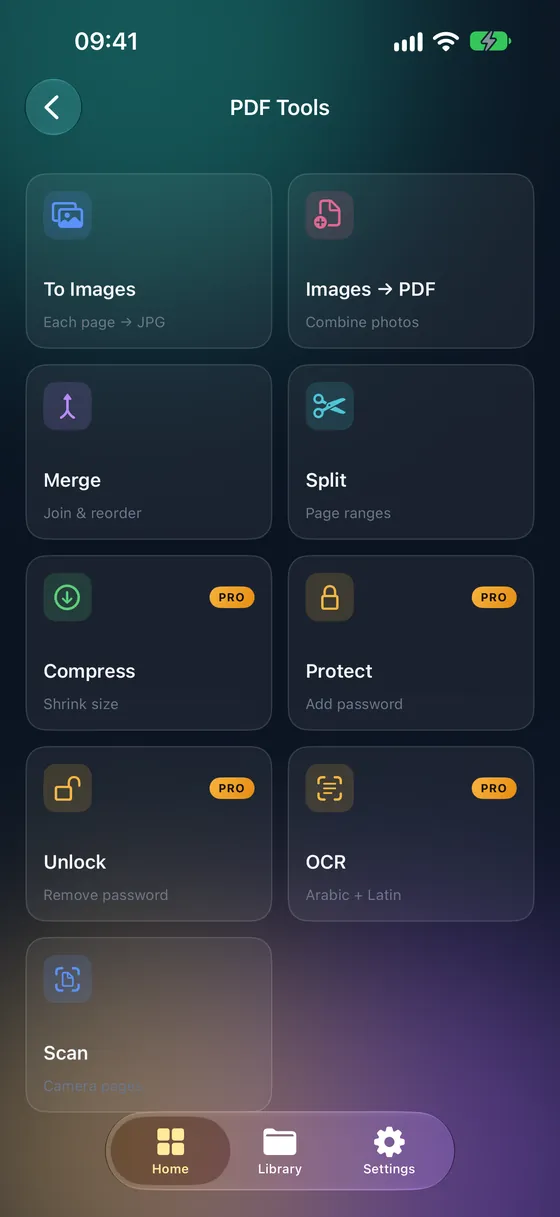
Step by step
- 01
Open Compress
Open Fileroom and go to PDF tools › Compress.
- 02
Choose the PDF
Pick the file from your library, Files or iCloud Drive.
- 03
Pick a level
Low keeps the most detail, High makes the smallest file. Medium is a good starting point.
- 04
Compress
Tap Compress. The smaller PDF is saved to your library next to the original.
Tips
- Scans and photo PDFs shrink the most; text-only PDFs are already small.
- Try Medium first and step up to High only if you need a smaller file.
- Check small print after compressing, especially on scans.
- Your original PDF is never overwritten.
Frequently asked
- Is compressing PDFs free?
- Compression is part of Fileroom Pro (Lifetime or subscription).
- Why didn't my PDF get much smaller?
- Compression mainly shrinks images. A PDF that is mostly text has little to compress.
- Is the PDF uploaded?
- No. Compression runs on your device.
More guides
Related conversions
Try Fileroom on your iPhone.
iPhone and iPad on the App Store — every format pair, all on-device. Android coming soon.
Want new features early? Join the TestFlight beta