
Video · On-device
MKV to MP4on iPhone and iPad.
MKV files won't play in the iPhone's Photos app or most editors, even though the video inside is often perfectly standard. Fileroom converts MKV to MP4 on your device — repackaging without quality loss when it can.
Free to download — no account, no uploads.
Why convert MKV to MP4?
- MP4 plays natively on iPhone, iPad, Mac and TVs.
- Import into iMovie, CapCut and other editors.
- When the video is already H.264 or HEVC, it's repackaged with no quality loss.
- Large videos stay on your device — no upload, no waiting.
How to convert MKV to MP4
- 01
Choose the MKV
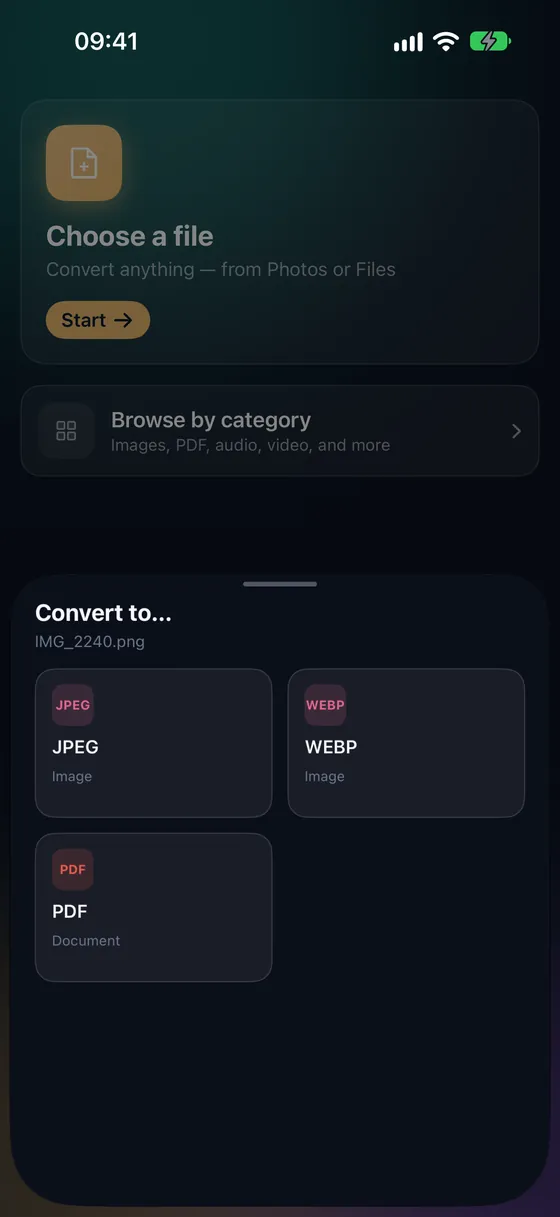
Open Fileroom, tap Choose a file and pick the MKV from Files or iCloud Drive.
- 02
Tap MP4
Pick MP4. Fileroom repackages compatible video instantly and re-encodes with the hardware encoder when needed.
- 03
Convert and watch
Tap Convert. The MP4 is saved to your library — share it or save it to Photos.
Frequently asked
- Why won't my MKV play on iPhone?
- Apple's apps don't support the MKV container. The video inside is usually fine, so converting to MP4 fixes it.
- Will subtitles carry over?
- Embedded MKV subtitle tracks may not be kept in the MP4. Keep the original if you need them.
- How long does it take?
- Repackaging takes seconds. A re-encode depends on the length of the video and your device's hardware encoder.
Related conversions
Try Fileroom on your iPhone.
iPhone and iPad on the App Store — every format pair, all on-device. Android coming soon.
Want new features early? Join the TestFlight beta