
Video · On-device
AVI to MP4on iPhone and iPad.
Old camera clips, home videos and downloads are often AVI — a format modern phones, TVs and editors struggle with. Fileroom converts AVI to MP4 on your device so those memories play anywhere again.
Free to download — no account, no uploads.
Why convert AVI to MP4?
- MP4 plays on every phone, computer, TV and website.
- Brings old camcorder and digital-camera clips back to life.
- Hardware encoding keeps conversion quick.
- Family videos never leave your device.
How to convert AVI to MP4
- 01
Choose the AVI
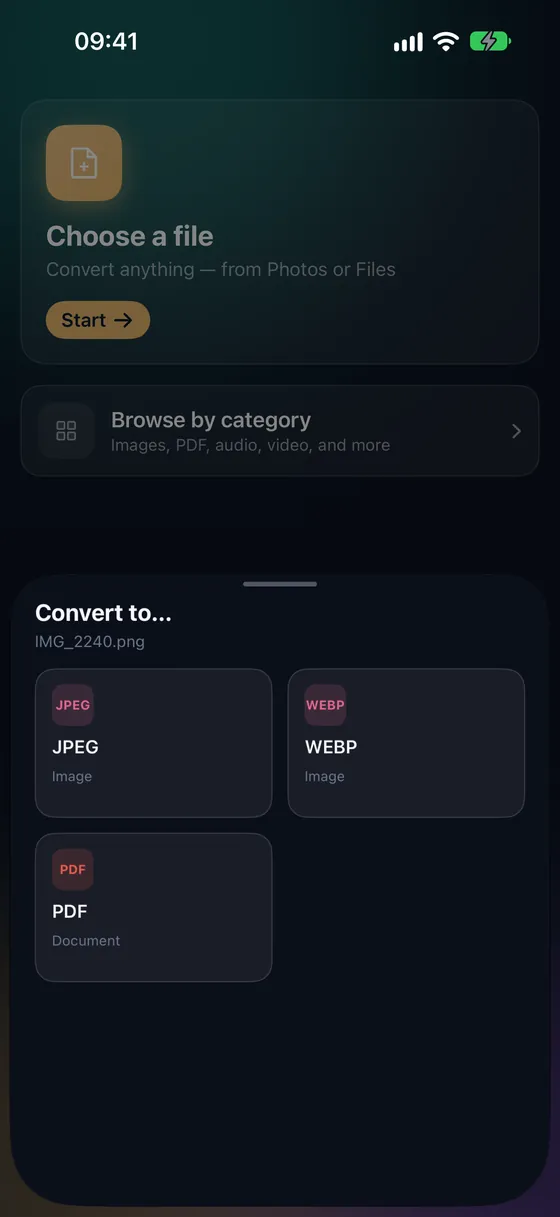
Open Fileroom, tap Choose a file and pick the AVI from Files or iCloud Drive.
- 02
Tap MP4
Pick MP4 from the list of formats.
- 03
Convert
Tap Convert. The MP4 is saved to your library — save it to Photos to keep it with your other videos.
Frequently asked
- Can Fileroom open old DivX or Xvid AVI files?
- Usually, yes. Fileroom's FFmpeg-based decoder reads most AVI files, including many older DivX and Xvid clips, and re-encodes them to H.264 MP4.
- Can I convert several clips at once?
- Yes. Batch conversion handles up to 3 files for free, and any number with Fileroom Pro.
Related conversions
Try Fileroom on your iPhone.
iPhone and iPad on the App Store — every format pair, all on-device. Android coming soon.
Want new features early? Join the TestFlight beta