
Video · On-device
WebM to MP4on iPhone and iPad.
WebM is common for web downloads and browser screen recordings, but many Apple apps and editors won't open it. Fileroom converts WebM to MP4 using your device's hardware encoder — fast, private and offline.
Free to download — no account, no uploads.
Why convert WebM to MP4?
- MP4 opens in Photos, QuickTime, iMovie and every messaging app.
- Hardware H.264 encoding keeps conversions fast.
- Screen recordings and downloads stay on your device.
- No file-size limits from an online tool.
How to convert WebM to MP4
- 01
Choose the WebM
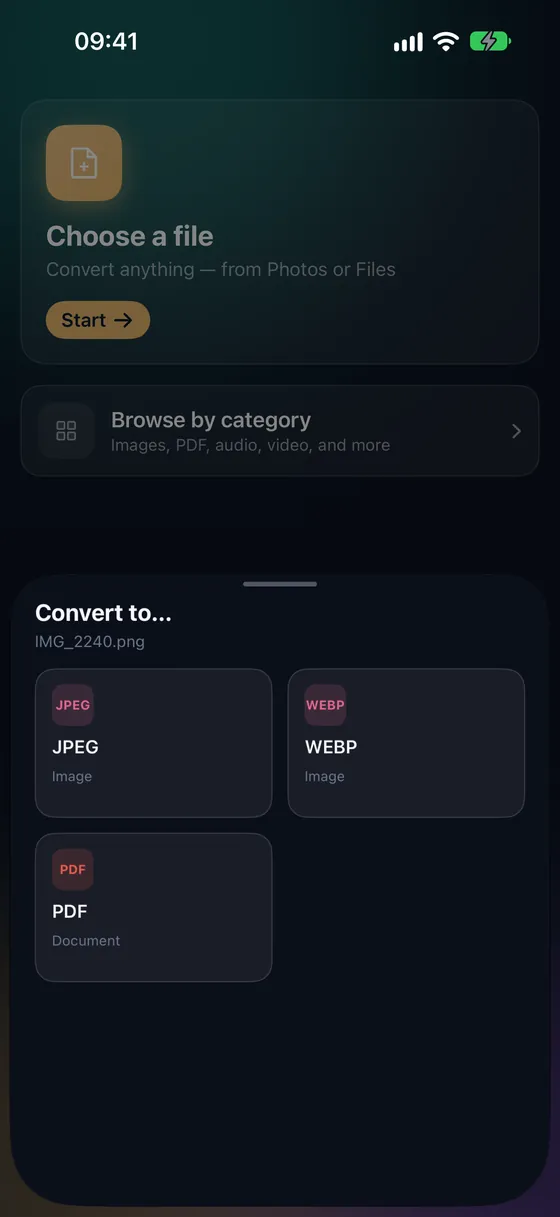
Open Fileroom, tap Choose a file and pick the WebM from Files.
- 02
Tap MP4
Pick MP4 from the list of formats.
- 03
Convert
Tap Convert. The MP4 is saved to your library, ready to share.
Frequently asked
- Why does WebM to MP4 take longer than MOV to MP4?
- WebM usually contains VP8 or VP9 video, which MP4 players don't expect, so it has to be re-encoded rather than just repackaged.
- Will the quality drop?
- Re-encoding is lossy, but Fileroom keeps the original resolution, so for most clips the difference is hard to see.
Related conversions
Try Fileroom on your iPhone.
iPhone and iPad on the App Store — every format pair, all on-device. Android coming soon.
Want new features early? Join the TestFlight beta