
Image · On-device
JPEG to WebPon iPhone and iPad.
WebP images are typically much smaller than JPEGs at the same visual quality, which makes pages load faster. If you run a website, a shop or a blog, Fileroom lets you prepare WebP images right on your phone — no upload, no online tool.
Free to download — no account, no uploads.
Why convert JPEG to WebP?
- Smaller images mean faster pages and better Core Web Vitals.
- Every modern browser supports WebP.
- Shop and CMS platforms like WordPress and Shopify accept it.
- Product photos and drafts stay private on your device.
How to convert JPEG to WebP
- 01
Choose the image
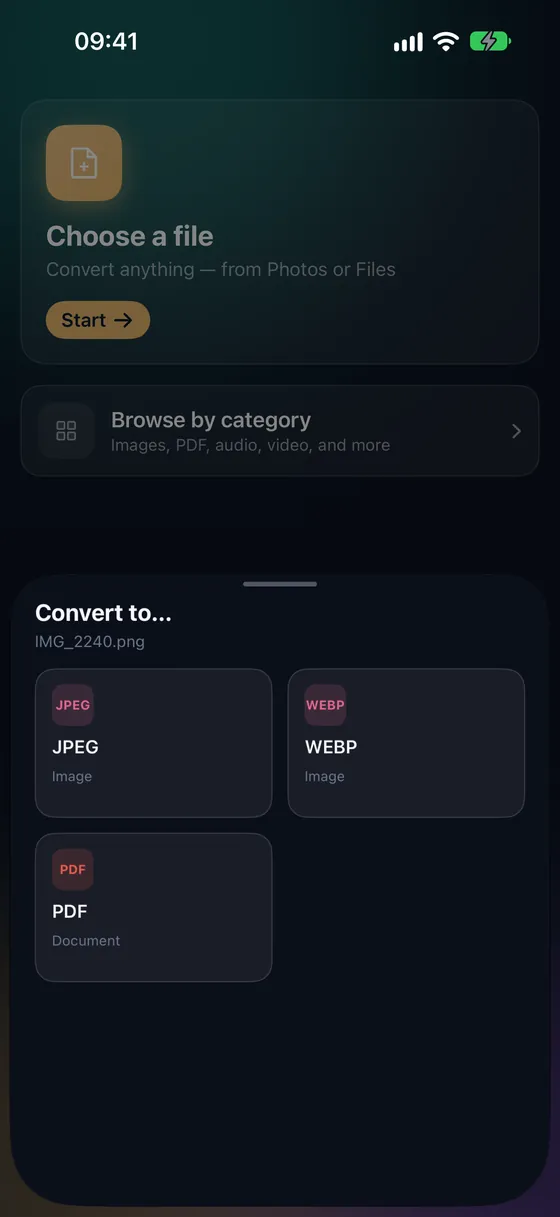
Open Fileroom, tap Choose a file and pick a JPEG.
- 02
Tap WebP
Pick WebP from the list of formats and set the quality — around 80 is a good balance for the web.
- 03
Convert and upload
Tap Convert. The WebP is saved to your library, ready to upload to your site.
Frequently asked
- How much smaller is WebP than JPEG?
- It depends on the photo, but WebP is usually noticeably smaller at the same visual quality. Compare the sizes on the result screen.
- Can I convert several images for my website at once?
- Yes. Batch conversion handles up to 3 files for free, and any number with Fileroom Pro.
- Will people be able to open WebP files?
- Browsers open them everywhere. Some older desktop apps don't — keep the JPEG if you also need to email the picture.
Related conversions
Try Fileroom on your iPhone.
iPhone and iPad on the App Store — every format pair, all on-device. Android coming soon.
Want new features early? Join the TestFlight beta