
Video · On-device
GIF to MP4on iPhone and iPad.
GIFs are heavy, and many social apps won't accept them as posts. An MP4 of the same animation is a fraction of the size and uploads anywhere. Fileroom converts GIF to MP4 on your device.
Free to download — no account, no uploads.
Why convert GIF to MP4?
- MP4 is usually far smaller than the same GIF.
- Instagram, TikTok and other apps accept MP4, not GIF.
- Smooth playback with a proper video codec.
- Nothing is uploaded.
How to convert GIF to MP4
- 01
Choose the GIF
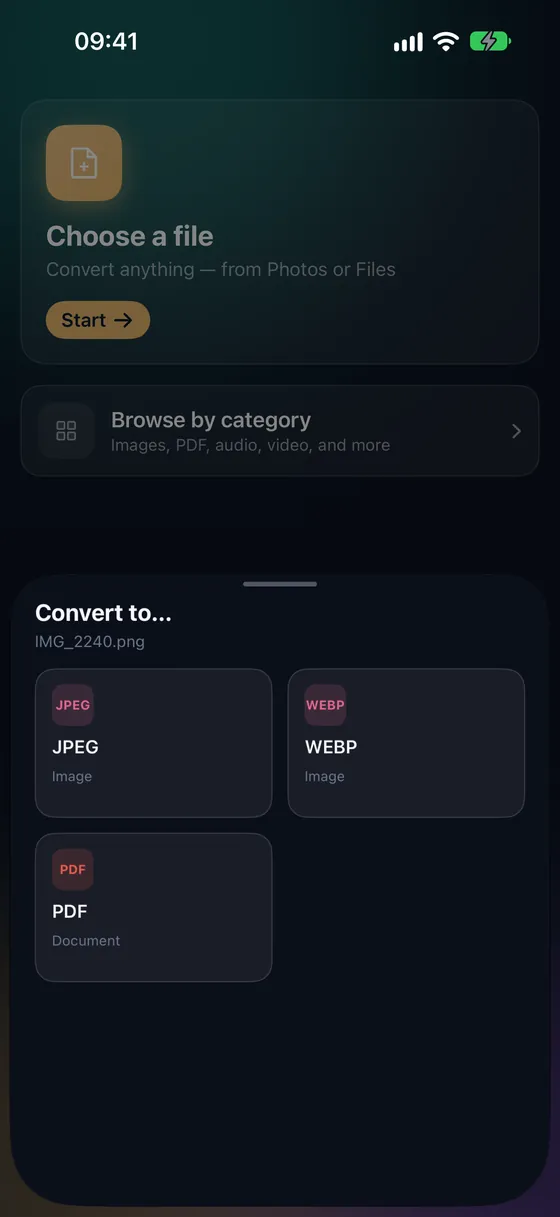
Open Fileroom, tap Choose a file and pick the GIF from Photos or Files.
- 02
Tap MP4
Pick MP4 from the list of formats.
- 03
Convert
Tap Convert. The MP4 is saved to your library, ready to post.
Frequently asked
- Will the MP4 loop like the GIF?
- MP4 files don't loop by themselves — most social apps loop short videos automatically.
- Why is the MP4 so much smaller?
- GIF stores every frame as a separate image with a limited palette; video codecs only store what changes between frames.
Related conversions
Try Fileroom on your iPhone.
iPhone and iPad on the App Store — every format pair, all on-device. Android coming soon.
Want new features early? Join the TestFlight beta