
Audio · On-device
Opus to MP3on iPhone and iPad.
Voice messages exported from WhatsApp and Telegram are often Opus files, which many apps and computers won't play. Fileroom converts Opus to MP3 right on your phone, so personal messages never go through an online converter.
Free to download — no account, no uploads.
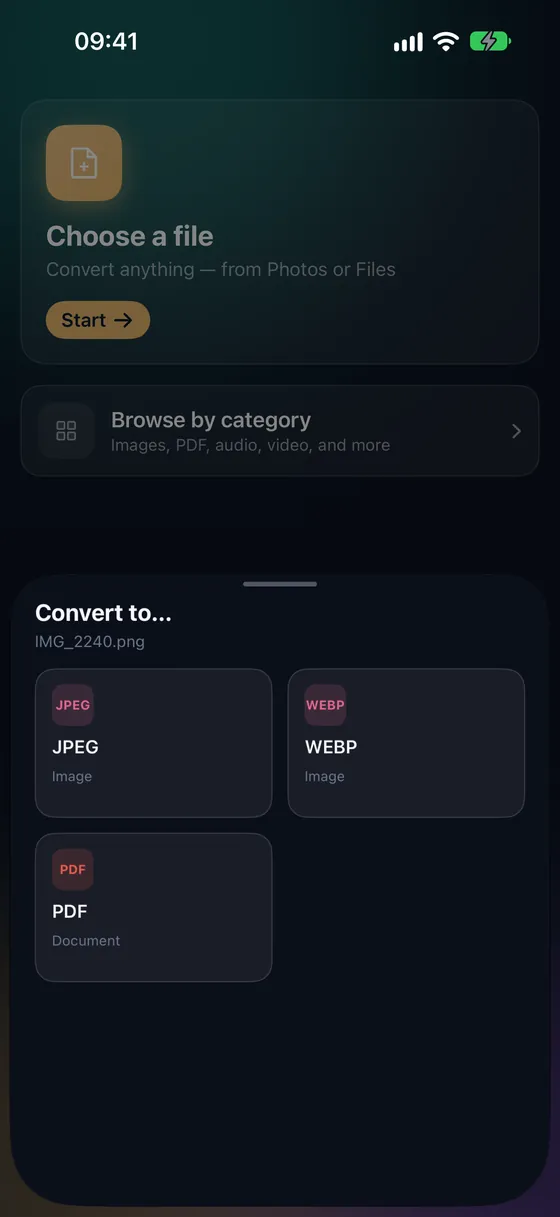
Why convert Opus to MP3?
- MP3 plays on every device and in every editor.
- Keep, archive or transcribe voice messages easily.
- Personal conversations never leave your device.
- Works offline.
How to convert Opus to MP3
- 01
Export or share the voice note
Share the voice message to Fileroom from the chat app, or save it to Files and tap Choose a file.
- 02
Tap MP3
Pick MP3 — 64–128 kbps is plenty for voice.
- 03
Convert
Tap Convert. The MP3 is saved to your library.
Frequently asked
- Can I share a voice note straight into Fileroom?
- Yes — use the share sheet in the chat app and pick Fileroom. The file lands in Fileroom, ready to convert.
- Are my voice messages uploaded?
- No. Fileroom converts on your device and never uploads files.
Related conversions
Try Fileroom on your iPhone.
iPhone and iPad on the App Store — every format pair, all on-device. Android coming soon.
Want new features early? Join the TestFlight beta