
Audio · On-device
OGG to MP3on iPhone and iPad.
OGG files come from games, voice apps, podcasts and downloads — but Apple's apps don't play them. Fileroom converts OGG to MP3 on your device so the audio works everywhere.
Free to download — no account, no uploads.
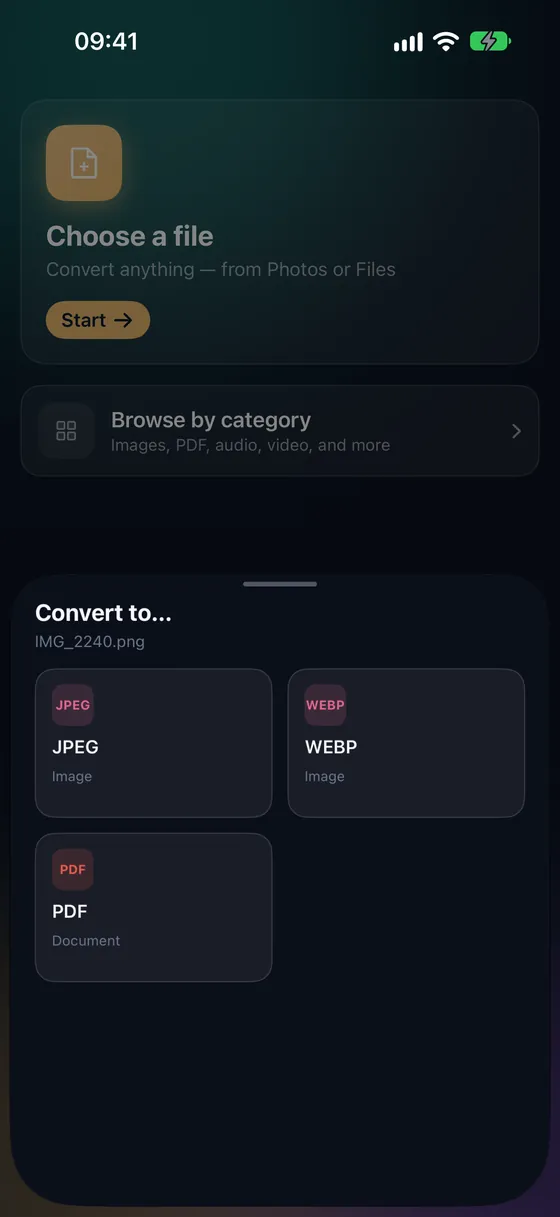
Why convert OGG to MP3?
- MP3 plays in Music, Files, cars and every speaker.
- Works with OGG Vorbis and OGG Opus files.
- Choose the bitrate to balance size and quality.
- No upload — the audio stays on your phone.
How to convert OGG to MP3
- 01
Choose the file
Open Fileroom, tap Choose a file and pick the OGG from Files.
- 02
Tap MP3
Pick MP3 and set the bitrate — 128 kbps for speech, 192–320 kbps for music.
- 03
Convert
Tap Convert. The MP3 is saved to your library.
Frequently asked
- Why can't my iPhone play OGG?
- Apple's built-in apps don't support the OGG format. Converting to MP3 or M4A makes it play everywhere.
- Does it work offline?
- Yes. Everything runs on your device, even in airplane mode.
Related conversions
Try Fileroom on your iPhone.
iPhone and iPad on the App Store — every format pair, all on-device. Android coming soon.
Want new features early? Join the TestFlight beta