
Video · On-device
MP4 to GIFon iPhone and iPad.
A short loop says more than a screenshot — for reactions, tutorials, bug reports and product demos. Fileroom turns an MP4 into an animated GIF right on your phone, with no upload and no watermark.
Free to download — no account, no uploads.
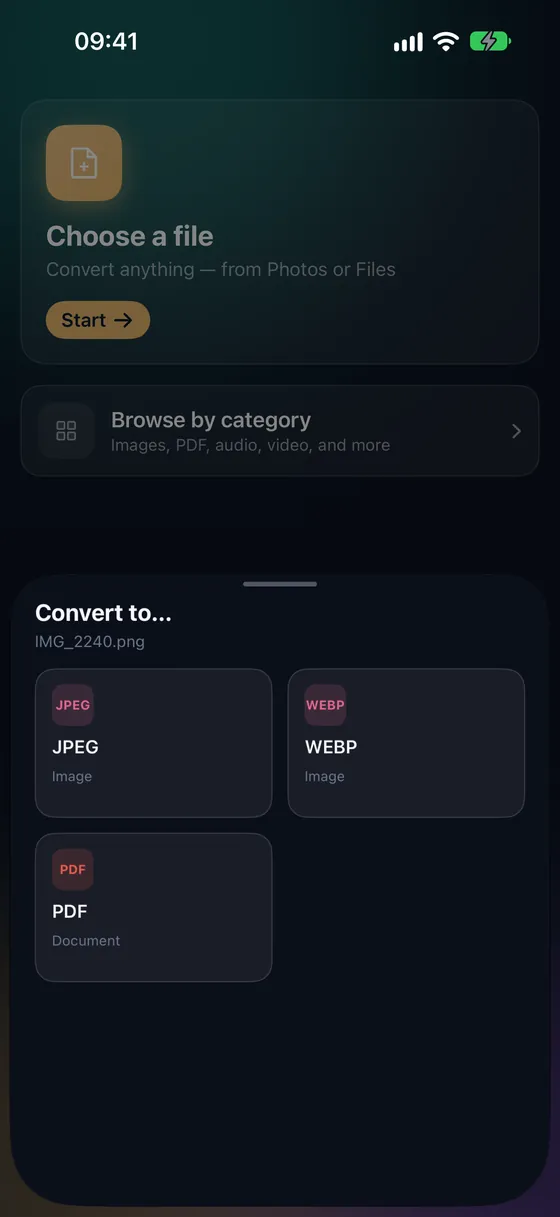
Why convert MP4 to GIF?
- GIFs play automatically in chats, docs, issues and emails.
- Choose a width to keep the file small enough to send.
- No watermark and no online GIF site.
- Your clip never leaves your device.
How to convert MP4 to GIF
- 01
Choose the video
Open Fileroom, tap Choose a file and pick the MP4 from Photos or Files.
- 02
Tap GIF
Pick GIF and set the width — smaller widths make much smaller files.
- 03
Convert
Tap Convert. The GIF is saved to your library, ready to share.
Frequently asked
- Is making GIFs free?
- Making GIFs is part of Fileroom Pro, available as a one-time Lifetime purchase or a subscription.
- How do I keep the GIF small?
- Use a short clip and a smaller width. Trim the video first with Trim video, then convert.
- Does the GIF have sound?
- No — the GIF format has no audio. Keep the MP4 if you need sound.
Related conversions
Try Fileroom on your iPhone.
iPhone and iPad on the App Store — every format pair, all on-device. Android coming soon.
Want new features early? Join the TestFlight beta