
Video · On-device
MOV to GIFon iPhone and iPad.
Every video you record on iPhone is a MOV — and any of them can become a GIF. Fileroom converts MOV to GIF on your phone, perfect for reactions, quick how-tos and loops for your team chat.
Free to download — no account, no uploads.
Why convert MOV to GIF?
- Turn camera clips and screen recordings into shareable loops.
- GIFs autoplay in Slack, Discord, GitHub and email.
- Control the size with the width setting.
- No watermark, no upload.
How to convert MOV to GIF
- 01
Choose the clip
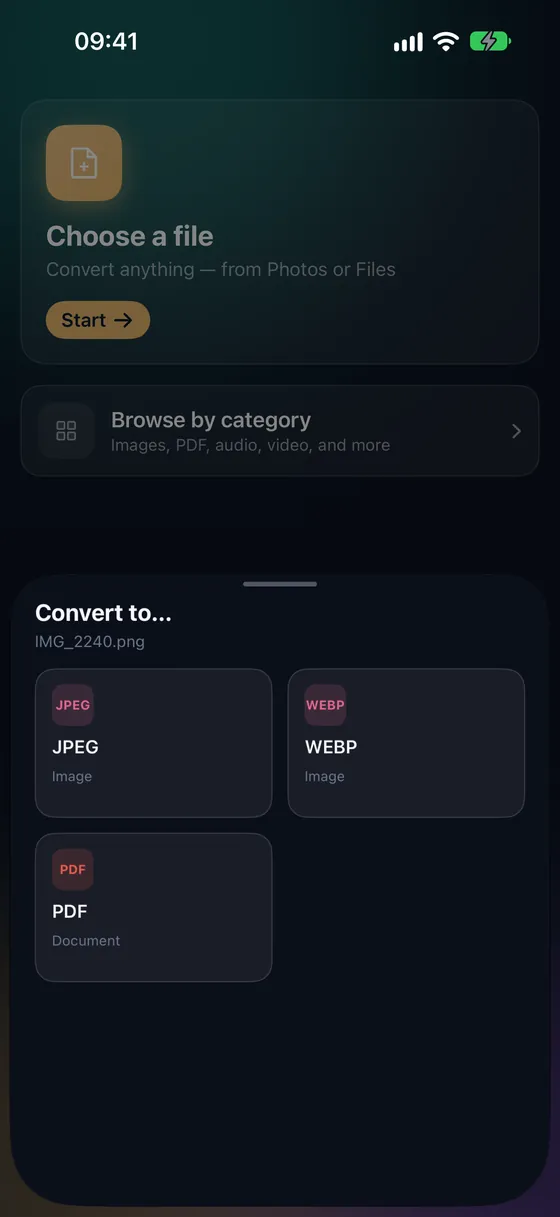
Open Fileroom, tap Choose a file and pick the video from Photos.
- 02
Tap GIF
Pick GIF and choose a width — 480 px is plenty for chat.
- 03
Convert
Tap Convert. The GIF is saved to your library.
Frequently asked
- Can I turn a screen recording into a GIF?
- Yes — iPhone screen recordings are MOV files, so they convert just like camera clips.
- Is this a Pro feature?
- Yes. Making GIFs is included in Fileroom Pro (Lifetime or subscription).
Related conversions
Try Fileroom on your iPhone.
iPhone and iPad on the App Store — every format pair, all on-device. Android coming soon.
Want new features early? Join the TestFlight beta