
Image · On-device
BMP to PNGon iPhone and iPad.
BMP is an old Windows format: uncompressed, heavy and poorly supported on phones and the web. PNG keeps exactly the same pixels in a much smaller file. Fileroom converts BMP to PNG on your device.
Free to download — no account, no uploads.
Why convert BMP to PNG?
- PNG is lossless — the image is identical, just smaller.
- PNG opens in every browser, phone and app.
- Great for old screenshots, icons and diagrams.
- Nothing is uploaded — the conversion happens on your phone.
How to convert BMP to PNG
- 01
Choose the BMP
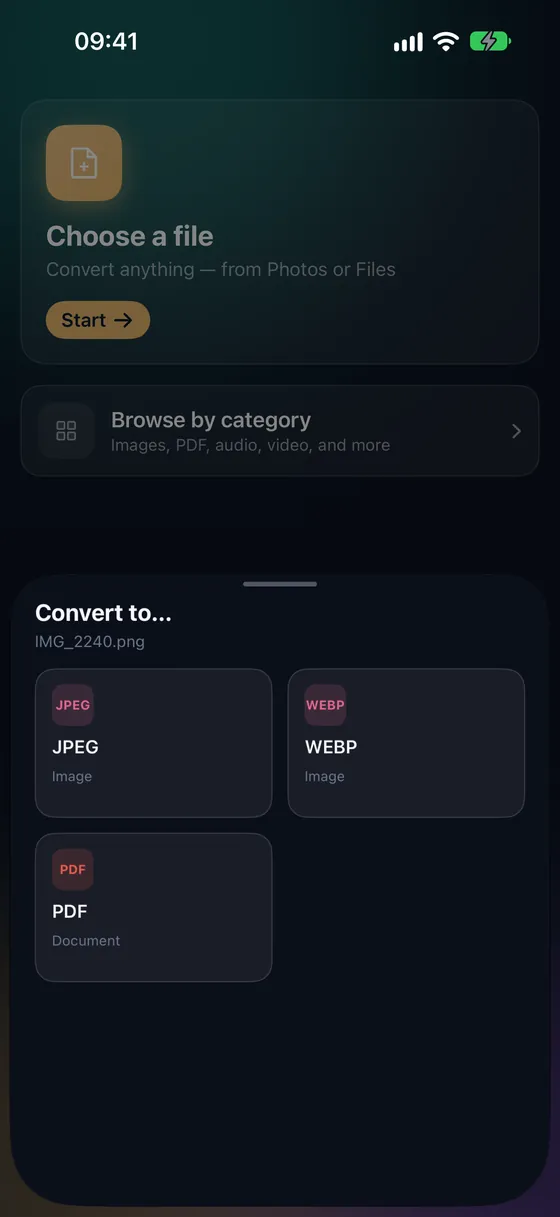
Open Fileroom, tap Choose a file and pick the BMP from Files.
- 02
Tap PNG
Pick PNG from the list of formats.
- 03
Convert
Tap Convert. The PNG is saved to your library.
Frequently asked
- Does BMP to PNG lose any quality?
- No. Both formats are lossless — PNG simply compresses the same pixels.
- How much smaller will it be?
- Often dramatically smaller, especially for screenshots and graphics with large flat areas.
Related conversions
Try Fileroom on your iPhone.
iPhone and iPad on the App Store — every format pair, all on-device. Android coming soon.
Want new features early? Join the TestFlight beta